

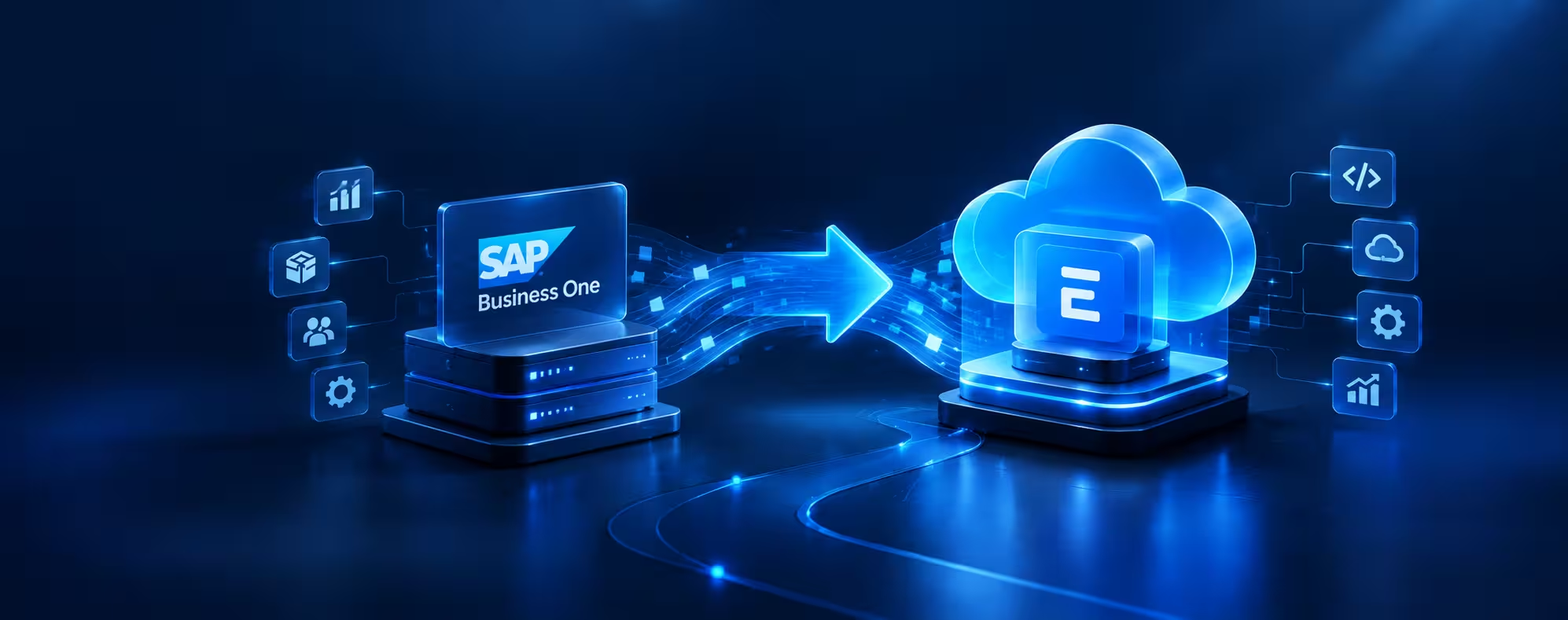
When a business is small, almost any ERP will do the job. But as it grows, with more locations, more products, more people and more data, the ERP stops being just software. It becomes the backbone that holds finance, inventory, purchasing, sales, manufacturing and reporting together.
For years, SAP Business One has been that backbone for a lot of small and midsize companies. It’s structured, reliable and well established. Yet more and more of these businesses are now taking a serious look at open-source alternatives, and ERPNext keeps coming up in those conversations.
This isn’t really about swapping one software brand for another. It’s about asking bigger questions: How much control do we have over our system? How easily can we change it? Who owns the roadmap, us or the vendor?
ERPNext is an open-source ERP that brings accounting, inventory, sales, purchasing, manufacturing, CRM, projects and more into a single platform. Let’s look at why companies are considering the switch, and what they should think about before making it.
Why Are Businesses Looking for ERP Alternatives?
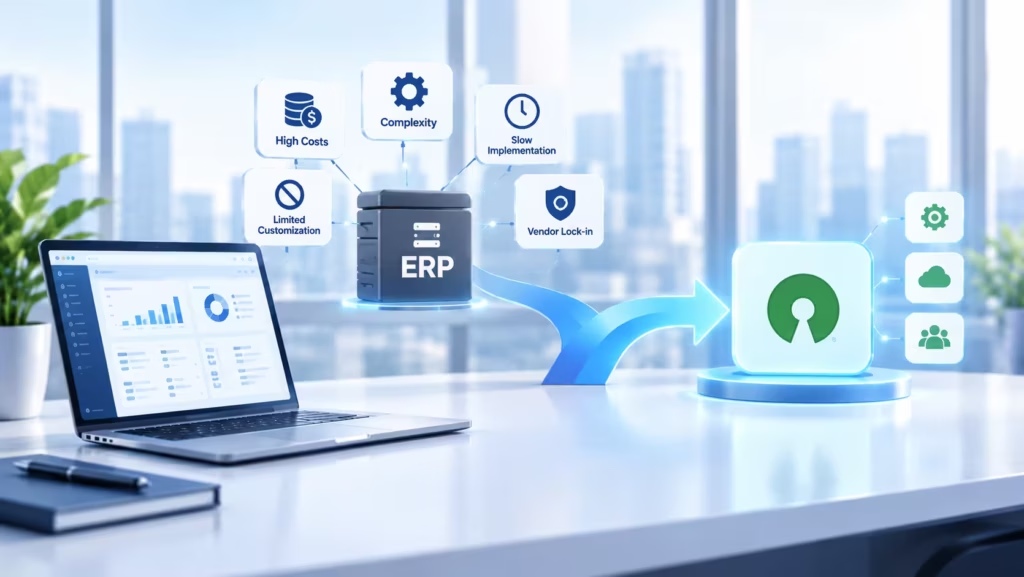
An ERP is a long-term commitment. The system you picked five years ago was chosen for the business you were then, not necessarily the business you are today.
Things change. You open a new branch, launch a new product line or ramp up manufacturing. Suddenly you need integrations that didn’t exist before, reports your old setup can’t produce easily, and automation that would save your team hours every week. At some point, the question stops being “Is our ERP working?” and becomes “Is our ERP keeping up with us?”
That’s usually when businesses start looking around.
A Quick Look at SAP Business One
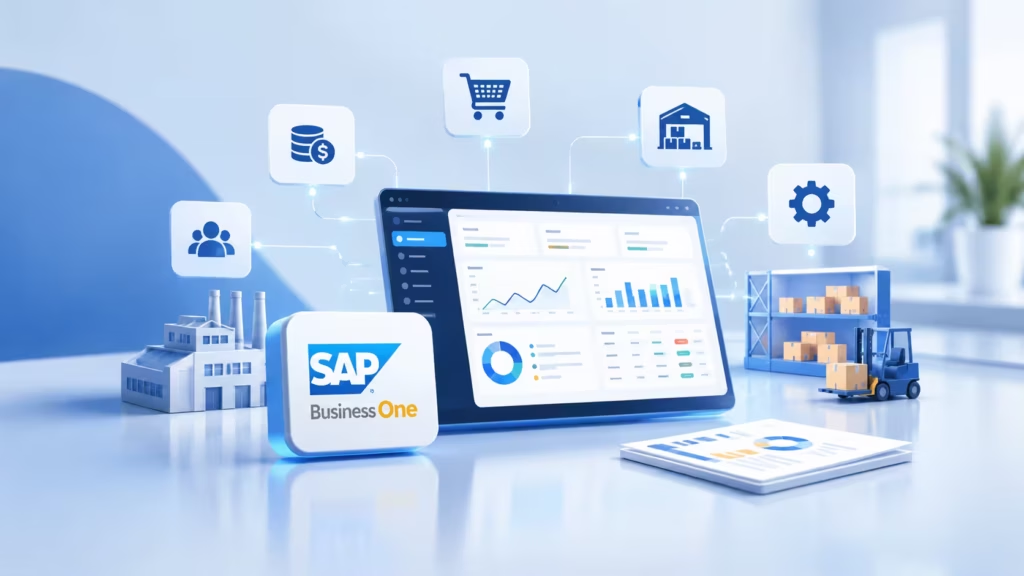
SAP Business One is built specifically for small and midsize businesses. It covers the core areas you’d expect: financial management, sales, purchasing, inventory, production, reporting and customer management.
Its biggest strength is structure. If you want a proven, established ERP environment with well-defined processes, it delivers.
But structure can cut both ways. When a business wants deeper customization, more freedom to build on top of the system, or more say over its long-term ERP direction, that same structure can start to feel restrictive.
And What Is ERPNext?
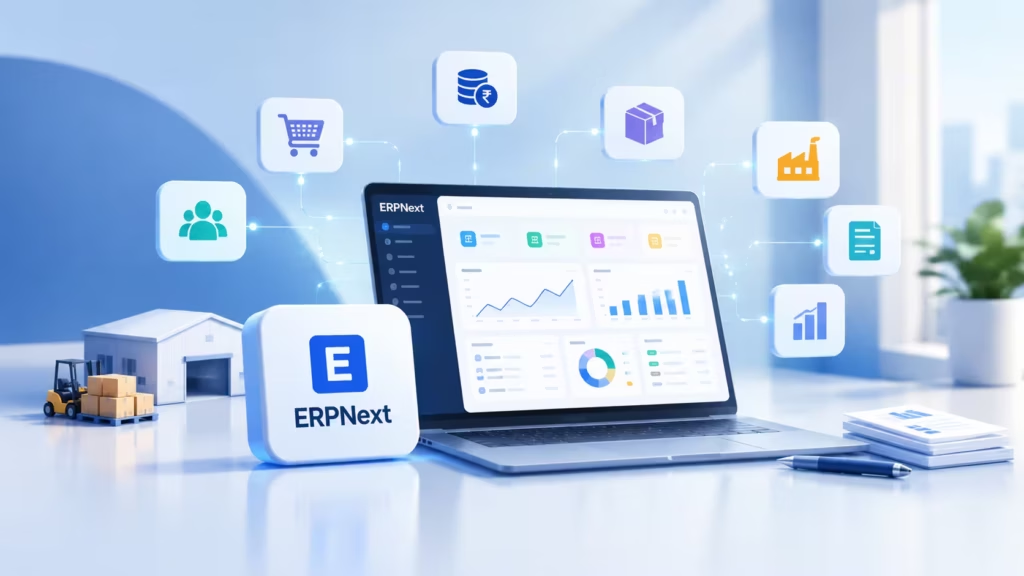
ERPNext is an open-source ERP built on the Frappe Framework. Out of the box, it covers accounting, sales, purchasing, inventory, manufacturing, CRM, projects, HR, asset management and reporting.
What really sets it apart is the licence. ERPNext is released under GPLv3, which means the source code is openly available. You can inspect it, modify it and extend it. Nothing is locked away.
Why Companies Are Moving to Open Source ERP
You get real control over your software
This is the big one. With an open-source ERP, you aren’t limited to whatever the vendor decides to offer. Working with an implementation partner, you can reshape workflows, forms, reports and pretty much any other part of the system so it fits how your business actually runs.
Customization that matches your processes
No two businesses work exactly the same way. A manufacturer has very different workflows from a distributor, and even two distributors can operate quite differently. ERPNext lets you configure and customize workflows around your operations. That matters most in those situations where the “standard” ERP process just doesn’t match reality, and your team ends up working around the system instead of with it.
Open-source architecture means freedom
With proprietary software, the source code stays behind closed doors. With open source, it’s right there. In practical terms, that gives you more freedom in how you customize, develop, integrate and modify the system, and more confidence in your long-term technology planning, because you aren’t tied to one vendor’s priorities.
Integrations are easier
Very few businesses run on a single application anymore. Your ERP probably needs to talk to a CRM, payment gateways, an e-commerce store, logistics partners, banking systems and a few internal tools. ERPNext offers REST API access to its business objects, so connecting it with external applications is quite straightforward.
One platform, connected departments
ERPNext ties different departments together in one system. A sale can flow into inventory, then into purchasing, then into accounting. Or a customer order can move through production, stock, delivery and finally invoicing, all without anyone re-entering data in a separate tool. The result is fewer disconnected processes and fewer spreadsheets floating around between teams.
It grows with you
As businesses grow, their processes get more specific. You may need custom approval workflows, industry-specific fields, tailored reports, automated notifications, custom dashboards or special business rules. ERPNext can handle all of this, partly through simple configuration and partly through development when needed.
Find Out If Open Source ERP Fits Your Business
Lower licensing costs, full flexibility and no vendor lock-in. Our certified ERPNext experts will help you plan the right path. Book your free consultation today. No obligation, just practical, scalable advice.
ISO 27001 & ISO 9001:2015 certified | AWS & Microsoft partner | 70+ happy customers in 12+ countries
SAP Business One vs ERPNext at a Glance
Don’t pick an ERP based on the name on the box. Compare the two against what your business actually needs.
| Area | SAP Business One | ERPNext |
| Software model | Proprietary | Open source |
| Customization | Available within the platform | Highly adaptable |
| Business modules | Broad ERP functionality | Broad ERP functionality |
| Source code | Restricted | Available under open-source licence |
| Integrations | Supported | API-based integrations supported |
| Manufacturing | Supported | Supported |
| Accounting | Supported | Supported |
| Inventory | Supported | Supported |
On paper, both cover the core ERP functions. The real differences come down to your business size, your processes, what you’ve already invested in, how much customization you need, and where you want your ERP strategy to go over the next several years.
Is Open Source ERP Right for Everyone?
Honestly, no.
Before deciding, take a hard look at your current ERP capabilities, any customizations you’ve already built, your data volumes, your business processes and integrations, your in-house technical resources, the likely complexity of migration, your reporting needs, and the kind of long-term support you’ll want.
Moving to open-source ERP should be a business decision, not just an IT one.
What Happens to Your Existing SAP Business One Data?
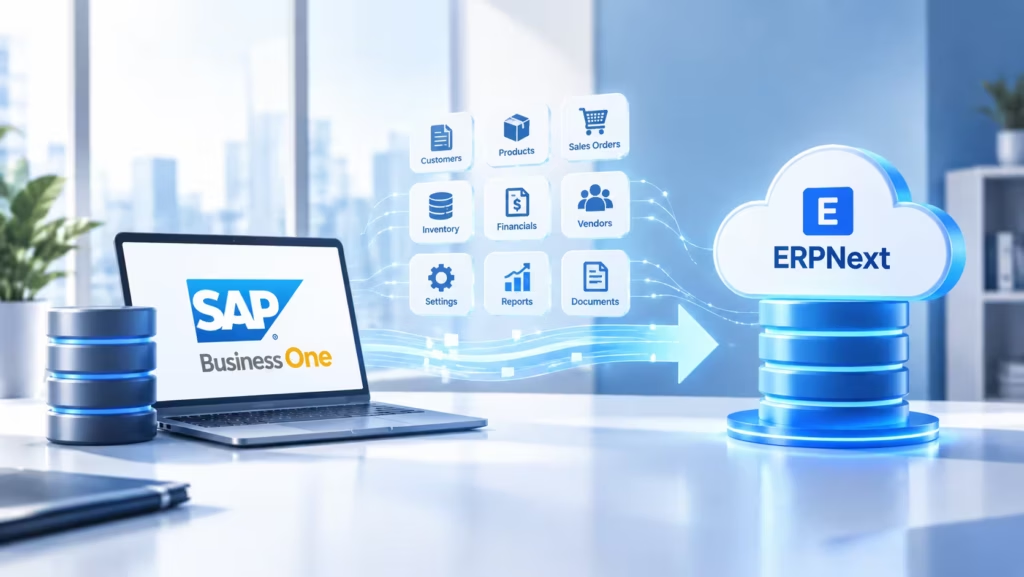
This is usually the first worry, and rightly so. Your SAP Business One system may hold years of financial records, customer and supplier data, inventory records, sales and purchase transactions, product information and historical reports.
Here’s the good news: you probably don’t need to move all of it. ERPNext’s own implementation guidance recommends cleaning up your legacy data and importing only what you need to operate and report from the cutover date onwards. Older history can often stay in the old system for reference.
How to Evaluate a Migration
Before you commit, run a proper assessment. Here’s a simple way to approach it.
Step 1: Document your current SAP setup
Write down which modules you use, what customizations and integrations exist, which reports people rely on, how user roles are set up, and what your key workflows look like.
Step 2: Identify the gaps
Ask your team a simple question: what is the current system not doing well? The answers will tell you what ERPNext needs to solve.
Step 3: Map SAP data to ERPNext
Work out how each type of record in SAP will be represented in ERPNext.
Step 4: Estimate the effort
Factor in data volume, how much history you’re moving, customizations, integrations, testing and user training. This is where realistic timelines and budgets come from.
Step 5: Test before you commit
Run a pilot or proof of concept. There’s no better way to find out whether ERPNext fits your real-world requirements than letting your users actually work in it.
Plan a Zero-Disruption Cloud Migration
Not sure your migration is on the right track? Our certified cloud practitioners will help you evaluate your options and move securely, with no business disruptions. Book your free consultation today. No obligation, just practical, scalable advice.
ISO 27001 & ISO 9001:2015 certified | AWS & Microsoft partner | 70+ happy customers in 12+ countries
Why Planning Matters So Much
Changing your ERP isn’t like switching to a new email tool. Your ERP holds your most critical business data and runs your core processes.
Rush it, and you risk incorrect opening balances, missing master data, broken workflows, duplicate records, reporting gaps and frustrated users who resist the new system. A structured implementation keeps those risks in check.
How Cloud Converge Can Help
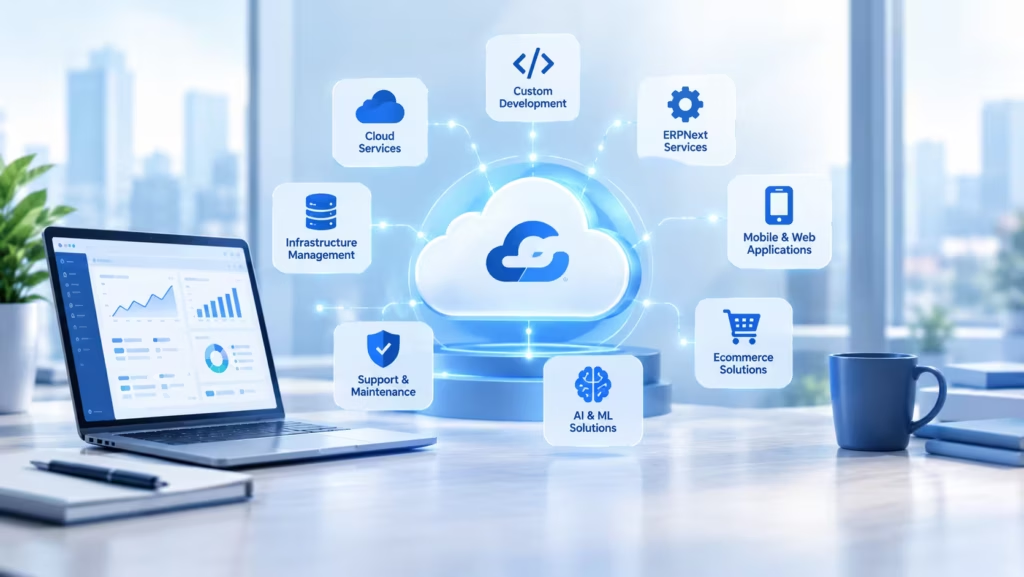
CloudConverge offers ERPNext development and consulting services. For businesses weighing a move from SAP Business One, we can support you through ERP assessment, business process analysis, data migration planning, ERPNext configuration and customization, integrations, testing, user training and go-live support.
Our goal isn’t simply to replace SAP Business One. It’s to build an ERP setup that fits the way your business works today and the way it’ll need to work tomorrow.
Final Thoughts : SAP Business One to ERPNext
The shift from SAP Business One to ERPNext is part of a wider trend: businesses want ERP systems that are flexible, adaptable and genuinely theirs.
ERPNext’s open-source model gives you the freedom to inspect, customize and extend your software. But open source on its own isn’t a reason to migrate.
Make the decision based on your business requirements, the total effort involved, the limitations you’re facing today, your customization needs and where you want to be in the long run.
Thinking about moving from SAP Business One to ERPNext?
CloudConverge can help you assess your current ERP, plan the migration and build an ERPNext setup around your business processes. Talk to our team about your SAP Business One to ERPNext requirements.
Frequently Asked Questions
Why are businesses moving from SAP Business One to ERPNext?
Mostly for flexibility. Companies that want more control over customization, development and integrations often find an open-source ERP like ERPNext a better fit.
Is ERPNext really open source?
Yes. ERPNext is released under the GNU GPLv3 open-source licence.
Can ERPNext replace SAP Business One?
ERPNext covers most of the core ERP functions businesses use SAP Business One for. Whether it’s the right replacement for you depends on your specific processes, integrations and requirements.
Can SAP Business One data be migrated to ERPNext?
Yes. A migration can be planned around the master data, opening balances and historical information you need.
Do we need to migrate all our SAP Business One history?
Not necessarily. Decide the scope based on your operational, reporting and compliance needs.
Does ERPNext support integrations?
Yes. ERPNext provides REST API access to its business records and can connect with a wide range of external applications.