

Ask any finance head what worries them most about moving from Tally to ERPNext, and the answer is rarely the software. It’s the data.
Think about what’s sitting inside your Tally right now: years of ledgers, customer balances, supplier dues, bank figures, GST records. Get even one piece of that wrong during migration and you’ll be chasing reconciliation issues for months, possibly right in the middle of an audit.
The good news is that this risk is very manageable. It just needs to be handled as a proper process (prepare, map, test, reconcile) rather than a one-time data dump.
Why Financial Data Is the Tricky Part

Accounting data doesn’t live in isolated boxes. Everything is connected. Map one ledger to the wrong account, and the error quietly flows into your Trial Balance, your receivables and payables, your P&L, your Balance Sheet, your tax reports, and even your bank reconciliation.
That’s why “export from Tally, import into ERPNext” is not a migration plan. It’s a recipe for surprises.
Start by Taking Stock of What You Have

Before you move anything, sit down and list out exactly what financial information lives in Tally today.
Chart of Accounts. Go through your groups, ledgers, account classifications, cost centres, tax accounts and bank accounts. ERPNext organises accounts in its own way, so your Tally structure will usually need to be reviewed and mapped, not copied as-is. This is also a good moment to clean up ledgers nobody has used in years.
Customer receivables. Look at every outstanding customer invoice. Are customer names consistent? Are invoice numbers, dates, due dates and amounts correct? Are payment terms and tax details filled in properly? Small inconsistencies here turn into big headaches later.
Supplier payables. Do the same exercise on the supplier side. Check outstanding invoices, due dates, payment terms, and pay special attention to credit balances and advance payments, since these are easy to miss.
Bank and cash. Reconcile your bank and cash accounts before the final migration. Once these are clean, you have a reliable baseline to compare ERPNext against.
Five Steps to Avoid Losing Data

1. Back everything up first
Before touching the source data, take a full backup and export of the Tally information you need. Keep the original untouched. You’ll want it for cross-checking during migration and for reference long after go-live.
2. Decide the scope, and stick to it
Be clear about how much data is actually moving. Most businesses land on one of these:
- Opening balances only, the simplest and cleanest option
- Opening balances plus outstanding invoices, which is the most common choice
- Opening balances plus selected historical transactions
- Full historical migration, where it’s technically feasible and genuinely needed
There’s no “right” answer for everyone. What matters is agreeing on it upfront so the goalposts don’t keep moving.
3. Map your accounts carefully
This is where most migration errors are born. A simple mapping document helps everyone stay on the same page:
| Tally Structure | ERPNext Structure |
| Ledger | Account |
| Customer Ledger | Customer / Receivable |
| Supplier Ledger | Supplier / Payable |
| Bank Ledger | Bank Account |
| Stock Item | Item |
| Location | Warehouse |
Treat this as a starting point. Your final mapping should reflect how ERPNext is actually being set up for your business.
4. Check opening balances against Tally
Your opening figures in ERPNext should match Tally exactly. At the very least, compare total assets, liabilities and equity, along with receivables, payables, bank and cash balances, stock valuation and tax balances. ERPNext has dedicated opening and closing processes for this, so use them rather than working around them.
5. Do a trial run before the real thing
Your first import should never be your final import. Start small: say 20 customers, 20 suppliers, a handful of accounts and invoices, and some inventory records. Check the results carefully, fix what’s broken, and only then go for the full load.
ERPNext’s Data Import tool helps here, since it validates your files and flags errors before anything is actually written into the system.
Reconcile Once the Data Is In
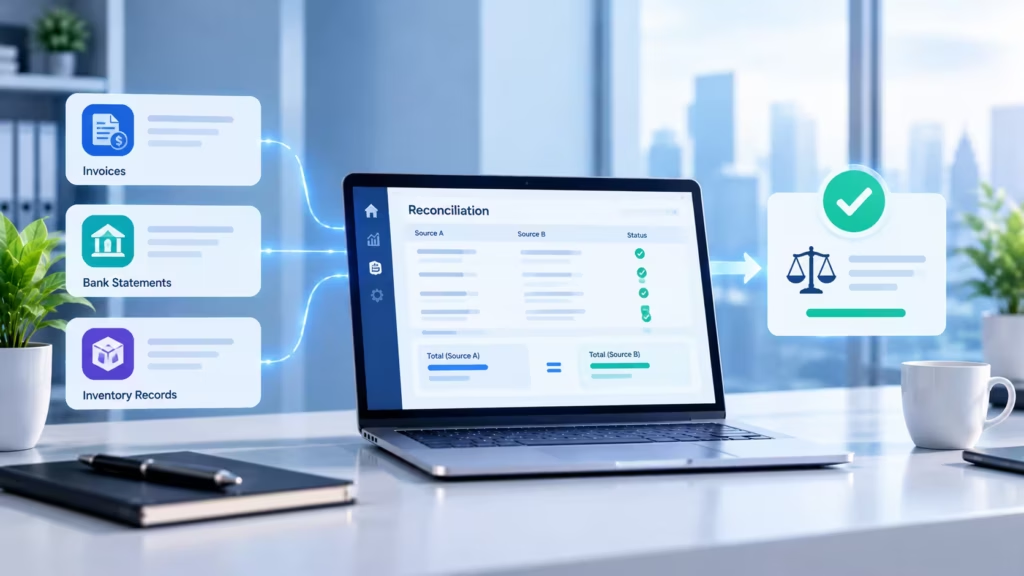
Getting data into ERPNext is only half the job. Now you need to prove it’s right.
Start with the Trial Balance and compare it account by account with Tally. If this doesn’t match, nothing else will.
Next, go through Accounts Receivable customer by customer. You’re looking for missing invoices, duplicates, wrong balances, or invoices sitting against the wrong customer. Repeat the same check for Accounts Payable on the supplier side.
Then confirm that bank and cash balances match the approved migration figures. And if inventory is part of the move, verify both stock quantities and values. Matching quantities with mismatched valuations is a surprisingly common problem.
Do You Really Need All That History?
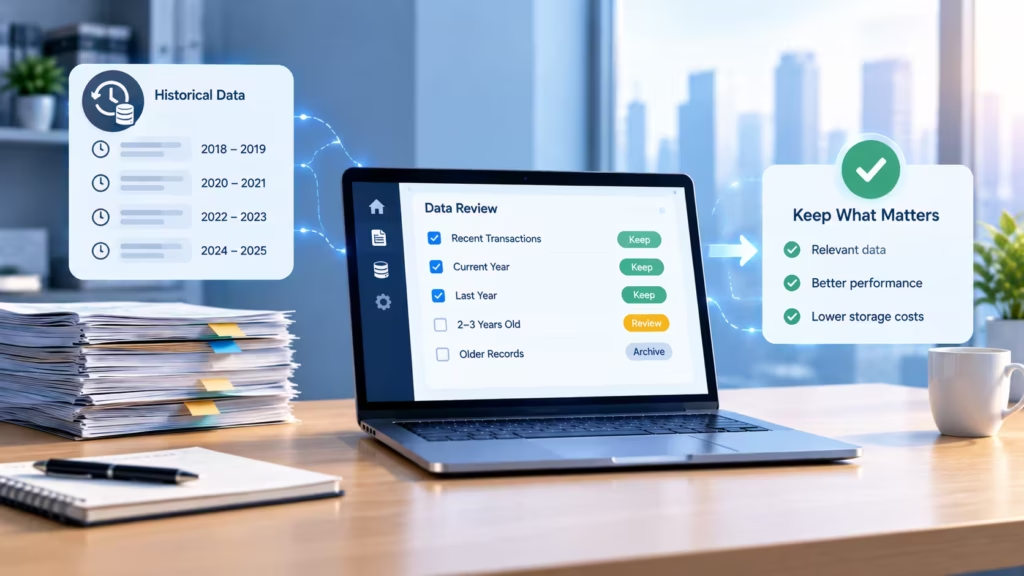
Often, no. Many businesses take a more practical route: keep Tally available in read-only mode for historical lookups, move active masters and opening balances, bring over outstanding invoices, and migrate only the history that’s actually needed for reporting or compliance.
ERPNext’s own setup guidance leans the same way. If your old system can stay accessible for reference, there’s little point importing years of closed transactions.
Mistakes We See Again and Again
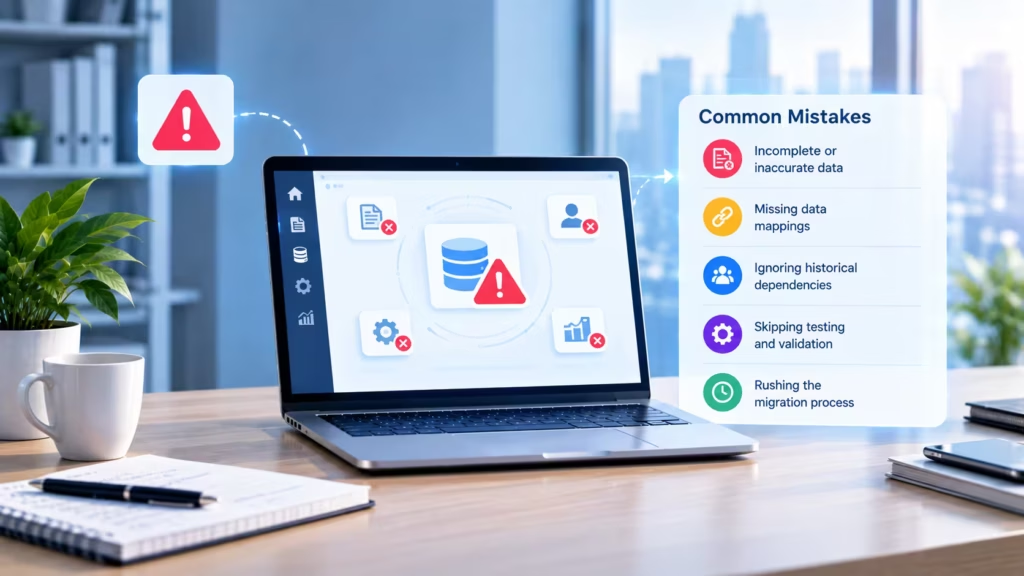
Importing messy data. Duplicate customers and incorrect records don’t magically fix themselves in a new system. Clean first, then migrate.
Skipping reconciliation. “The import ran without errors” is not the same as “the numbers are correct.”
Changing the mapping halfway through. Every change makes reconciliation harder. Lock it down early.
Going live without testing. Have your team run real accounting workflows (raising invoices, recording payments, running reports) before the first live entry.
No clear cutover date. Without one, people keep posting in both systems and balances start drifting apart.
Your Pre-Go-Live Checklist
Before you switch over, make sure you can tick off every one of these:
- Tally backup taken
- Migration scope signed off
- Chart of Accounts reviewed
- Customer and supplier data cleaned
- Outstanding invoices verified
- Bank balances reconciled
- Opening balances approved
- Tax data reviewed
- ERPNext configuration tested
- Sample migration completed
- Final migration validated
- Users trained
- Cutover date fixed
How Cloud Converge Can Help
At CloudConverge, we help businesses move from legacy systems like Tally to ERPNext with a structured, step-by-step migration approach. For us, it’s not just about transferring records. It’s about making sure your financial data fits properly into ERPNext and supports the way your business actually works.
Final Thoughts: Tally to ERPNext migration
Your financial data is the foundation of the whole migration. Get it right, and everything built on top of it becomes easier.
A careful process of backing up, cleaning, mapping, testing and reconciling takes most of the risk out of the move. And one rule worth holding onto: don’t switch off Tally until the numbers in ERPNext have been checked and signed off.
Planning your Tally to ERPNext migration?
Talk to CloudConverge about ERPNext implementation and data migration. Tell us about your current Tally setup and what you need from ERPNext, and we’ll help you plan the right migration scope.
FAQs: Tally to ERPNext migration
Can Tally accounting data be moved to ERPNext?
Yes. Once you’ve decided the migration scope, the required data can be cleaned, mapped and imported into ERPNext.
How do I keep my Tally data safe during migration?
Take full backups, leave the original data untouched, run test migrations first, and reconcile everything before going live.
Can outstanding invoices be migrated?
Yes. Open customer and supplier invoices can be brought over as part of the migration, depending on how ERPNext is being configured.
Should I migrate my complete Tally history?
Not necessarily. It depends on your operational, reporting and compliance needs. Many businesses keep Tally for reference and move only what’s actively required.
What’s the most important check after migration?
Financial reconciliation. Compare your trial balance, receivables, payables, bank balances, stock valuation and any other key reports between the two systems.