


The finance team keeps the books in one tool. Warehouse staff track stock in a spreadsheet. Sales works from a CRM that nobody else can see and purchasing sends orders by email. At month-end, someone spends three days reconciling numbers that nobody fully trusts.
ERPNext exists to remove that split. It is an open-source ERP system that holds accounting, inventory, sales, purchasing, manufacturing, projects and HR records in one application. This guide explains what ERPNext is, how it works, what it really costs, where it falls short and how to decide whether it fits your business.
Quick answer: What is ERPNext?
ERPNext is an open-source ERP system that runs accounting, inventory, sales, purchasing, manufacturing and projects from one database. The software is free under the GPLv3 license. Costs come from hosting, implementation and support. It is used mainly by small and mid-sized businesses in manufacturing, distribution, retail and services.
See How ERPNext Fits Your Business
Not sure if ERPNext is right for your business? Cloud Converge is an ERPNext partner. We will review how your teams work today and give you a straight answer on whether ERPNext fits. If it does, we will scope the work with you. See our ERPNext service page or reach out to us directly.
ISO 27001 and ISO 9001:2015 certified | ERPNext Partner
Key takeaways
- ERPNext is open-source ERP software from Frappe Technologies that runs core business functions on one shared database.
- The license is free. Hosting, setup, customization, training and support are not.
- It covers accounting, inventory, sales, purchasing, manufacturing, projects, and, through the Frappe HR app, payroll.
- It suits growing small and mid-sized businesses that want flexibility or want to avoid per-user licensing.
- Results depend on clean data, clear processes and a well-run implementation, not on the software alone.
What Is ERPNext?
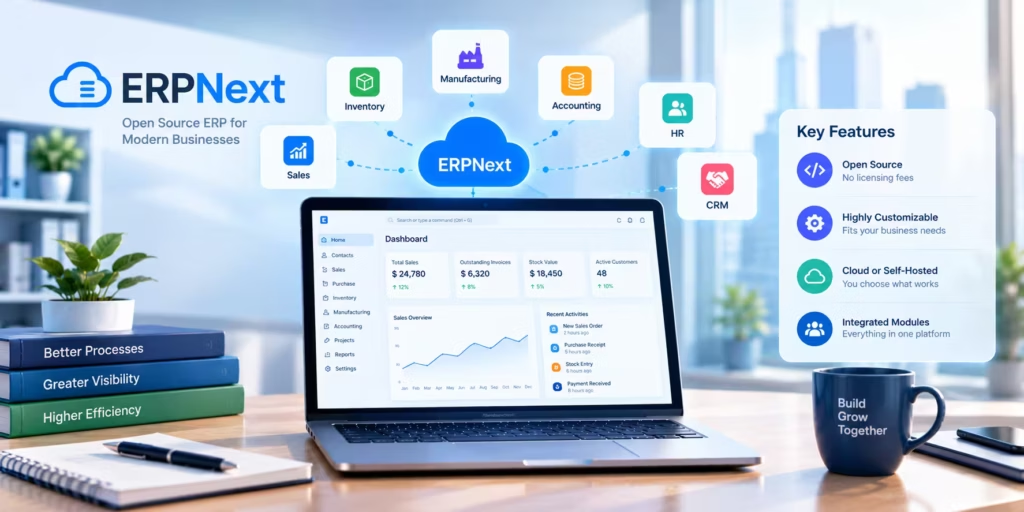
ERPNext is a free, open-source ERP software designed by Frappe to centralise all core business operations into a single, integrated platform.
ERPNext is a free, open-source enterprise resource planning (ERP) system developed by Frappe Technologies. It keeps accounting, inventory, sales, purchasing, manufacturing, HR, projects and support in one database, so every department works from the same records. Businesses run it on their own servers or on managed hosting.
ERP stands for enterprise resource planning. An ERP is a single system where finance, stock, sales, purchasing, production and people records live together, instead of in separate tools that someone has to reconcile by hand.
ERPNext is released under the GNU GPLv3 license and built on the Frappe Framework, a web application framework written in Python and JavaScript. The same framework powers other Frappe products, including Frappe HR. Because the source code is public, anyone can inspect it, host it and modify it. Frappe reports that more than 30,000 companies have adopted ERPNext.
A short example. A distributor receives an order for 200 units. Sales creates a Sales Order and ERPNext shows at once whether the warehouse holds enough stock. When the goods ship, a Delivery Note reduces stock. The Sales Invoice is created from that delivery, with customer, items and prices carried across and it posts the receivable and tax entries to the ledger. When the customer pays, a Payment Entry closes the invoice. Nobody typed the customer name twice.
How Does ERPNext Work?
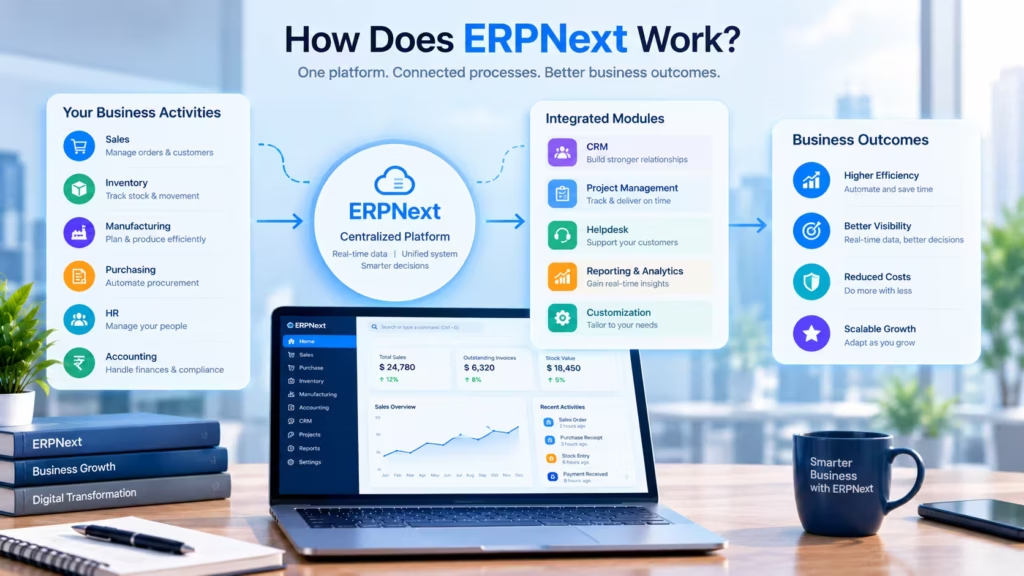
ERPNext stores every business record, such as a customer, an item, an order, or an invoice, in one database and links those records together, so a change made in one place carries through to every related record.
Four building blocks explain most of the system:
- Modules group related work: Accounting, Stock, Selling, Buying, Manufacturing, Projects and so on.
- Documents are the forms users fill in, such as a Sales Order, a Purchase Receipt, or a Journal Entry. Each one links to the records it depends on.
- Workflows define who can approve what. A purchase order above a set value, for example, can wait for a manager before it moves forward.
- Reports read from the same live data. There is no export step, so a stock report and a ledger report cannot disagree because they draw on one source.
Most documents are created from the one before. A Quotation converts to a Sales Order in one click and the fields carry over. Beyond that, automation covers recurring invoices through Auto Repeat, email alerts when a condition is met, task assignment rules and material requests when stock falls below a reorder level. The point is less retyping and fewer chances for a number to drift.
From customer order to payment:
- The customer sends an order and sales records it as a Sales Order.
- The warehouse picks and ships against it. A Delivery Note updates stock.
- Accounts raises the Sales Invoice from the delivery. The ledger updates.
- The customer pays. A Payment Entry is matched to the invoice.
- Reports for stock, receivables and sales reflect all four steps without further input.
See ERPNext Working for Your Business
Want to see ERPNext before you commit? Book a demo with the Cloud Converge team and we will walk you through how it handles everyday work, from sales and inventory to accounts and HR. Bring your questions, see what fits your business and leave with clear next steps.
ISO 27001 and ISO 9001:2015 certified | ERPNext partner
What Are the Key Features of ERPNext?
ERPNext ships as one product with several connected modules. The table below shows how they relate.
| Module | What it records | Connects to |
| Accounting | Ledger, invoices, payments, budgets | Every module that creates a financial entry |
| Inventory | Items, warehouses, stock movements | Sales, purchasing, manufacturing |
| Sales and CRM | Leads, quotations, sales orders | Inventory, accounting |
| Purchasing | Supplier orders, receipts, bills | Inventory, accounting |
| Manufacturing | Bills of materials, work orders | Inventory, purchasing |
| HR and payroll | Employees, attendance, salary | Accounting, projects |
| Projects | Tasks, timesheets | HR, accounting |
| Website and e-commerce | Product pages, cart, portal | Sales, inventory |
Accounting and Financial Management
The accounting module covers the chart of accounts, invoicing, payment entries, bank reconciliation, multi-currency transactions, cost centers, budgets and financial statements. Because sales, purchase and stock transactions post to the ledger as they happen, the books do not wait for a month-end data entry push.
Inventory and Warehouse Management
Inventory supports multiple warehouses, batch and serial numbers, FIFO and moving-average valuation, reorder levels and stock reconciliation. It addresses the most common warehouse problem: records that disagree with what is on the shelf.
Sales and Customer Relationship Management (CRM)
The selling side tracks leads, opportunities, quotations and sales orders, with price lists and pricing rules. Since quotes sit next to stock and cost data, sales can check availability before promising a date.
Purchase and Supplier Management
Buying covers material requests, supplier quotations, purchase orders, receipts and purchase invoices. Orders, receipts and bills link to each other so you can see what was ordered, what arrived and what has been billed.
Manufacturing and Production Planning
Manufacturing uses bills of materials, work orders, job cards, production plans and subcontracting. Recent releases added material requirements planning. The practical benefit is seeing a raw material shortage before the line stops.
Human Resources and Payroll
HR and payroll now live in Frappe HR, a separate open-source app that installs on the same site as ERPNext. It handles employee records, attendance, leave, expense claims and payroll. Running it alongside ERPNext means payroll entries reach the ledger without manual journal entries.
Project Management and Timesheets
Projects, tasks and timesheets let service teams record time against client work and bill from those timesheets. The problem it solves is simple: billable hours that never reach an invoice.
Website and E-commerce Management
ERPNext includes product listings, a shopping cart and a customer portal, with web orders arriving as Sales Orders. That is enough for a simple catalog. Higher-volume online stores usually connect ERPNext to a dedicated platform such as Shopify and let ERPNext handle stock, invoicing and accounting behind it.
Reporting, Integrations and Access Control
Three capabilities cut across every module. Reports and dashboards read from live data and users can build their own report views without code. A REST API and webhooks let ERPNext exchange data with payment gateways, storefronts, banks and other software. Role-based permissions control who can see or change each document type, so a warehouse user does not need access to payroll.
ERPNext also handles multiple companies and multiple currencies in one site and its interface works in a mobile browser. Frappe states that tax setup can be configured for most countries. Country-specific rules, such as India’s GST, come through localization apps, which the FAQ below covers.
What Are the Benefits of ERPNext for Businesses?
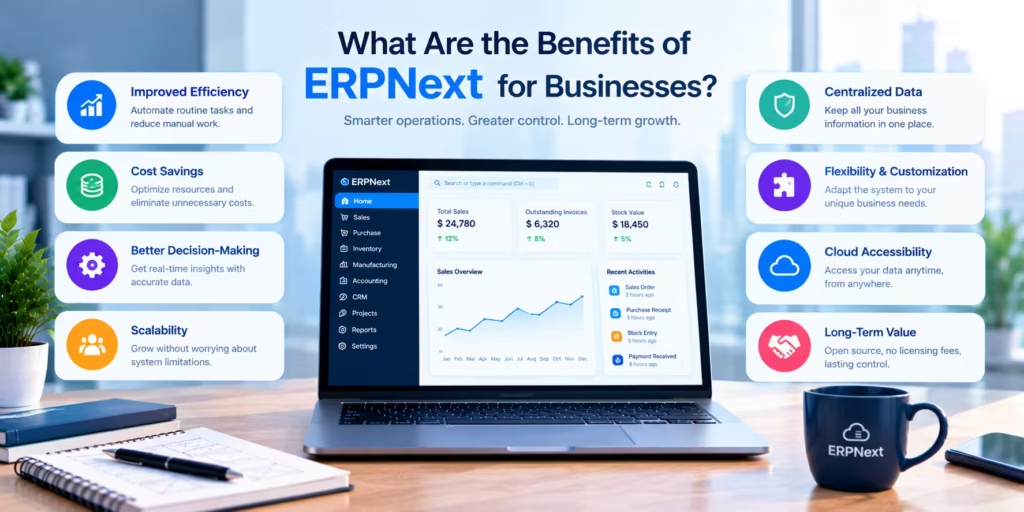
The main benefit of ERPNext is a single, shared record of the business, which gives finance, operations and sales the same numbers to work from. Other benefits follow from that.
- Centralized information. Customers, items, prices and transactions are entered once and used everywhere.
- Clearer view of finances and operations. Receivables, payables, stock value and open orders are visible without compiling spreadsheets.
- More accurate inventory. Every receipt, delivery and adjustment moves through one stock ledger.
- Less duplicate entry. Documents are created from earlier documents, which cuts retyping and the errors that come with it.
- Better reporting. Reports run on live data, so decisions rest on current figures.
- Flexible workflows. Fields, forms, approvals and print formats can be adapted to how the business actually works.
- Choice of hosting and support. You can self-host, use managed hosting and pick an implementation partner that suits you.
None of this happens automatically. A system filled with bad item data and used by a team that was never trained will produce bad reports faster. Outcomes depend on implementation quality, data accuracy and whether people actually use the system.
Start With a Clear Picture of Your Processes
Not sure where to begin? Tell us how your teams handle orders, stock, billing and reporting today. The Cloud Converge team will map where work slows down, give you an honest view on whether ERPNext fits and, if it does, outline what the project would involve.
ISO 27001 and ISO 9001:2015 certified | ERPNext Partner
Which Industries Can Use ERPNext?
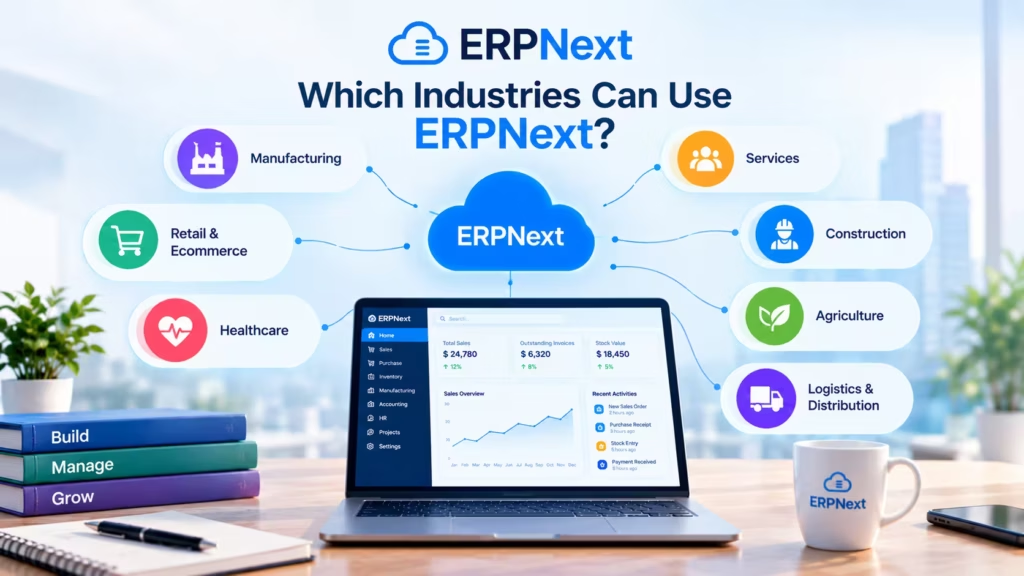
ERPNext is general-purpose software, so it fits many sectors. Here is how the workflow looks in five of them.
Manufacturing and industrial businesses. A confirmed sales order triggers a production plan. ERPNext explodes the bill of materials, flags missing raw materials, raises material requests and issues work orders. Finished goods are received into stock and shipped against the original order.
Retail and wholesale distribution. A distributor sets reorder levels per warehouse. When stock drops below the level, a material request is created, converted to a purchase order and received into stock. Customer groups and price lists apply the right price to each buyer.
IT and professional services. Staff log hours on tasks through timesheets. The project manager reviews them and the invoice is generated from approved timesheets at the agreed rate so billing matches the work done.
E-commerce businesses. Orders placed on an online store flow into ERPNext as Sales Orders. Stock levels are updated centrally, invoices are generated and accounts receive the revenue entries. Frappe maintains an e-commerce integrations app for connecting common storefronts.
Healthcare and other service businesses. A clinic or service provider tracks appointments, bills services, deducts consumables from stock and follows up on receivables. Healthcare-specific needs usually call for the separate Frappe Health app or custom configuration, so scope this early.
Is ERPNext Free? Understanding Its Pricing and Costs
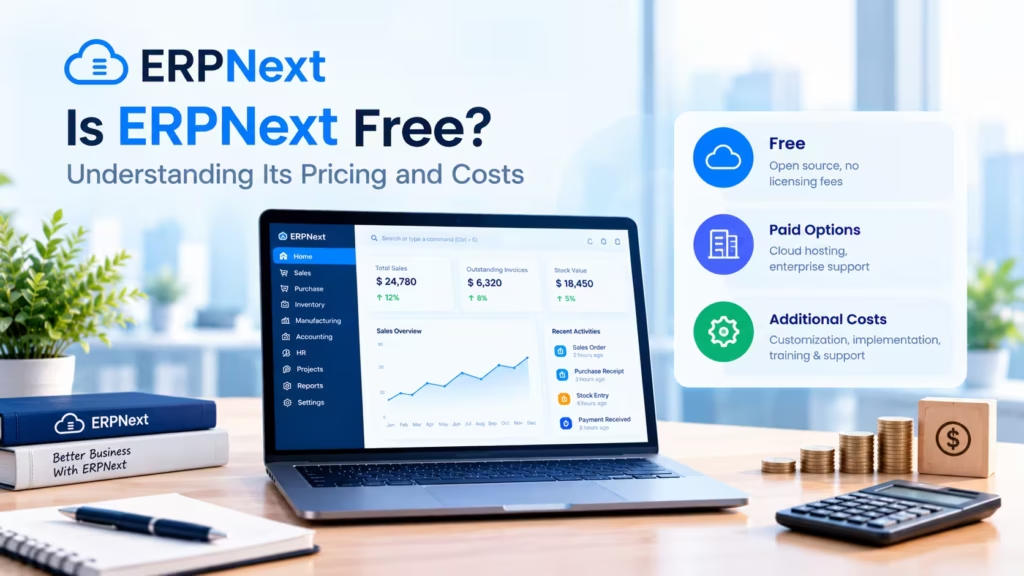
ERPNext software is free to download and use under an open-source license, with no per-user fee. Running it is not free. Most businesses pay for hosting, implementation, customization, training and ongoing support and the total depends on how large and complex the deployment is.
What open source means for licensing. You may install ERPNext on your own server, inspect the code and modify it without paying Frappe a license fee. Frappe earns revenue from managed hosting and support plans instead.
Where the money actually goes:
| Cost area | What it covers |
| Hosting | Server or managed plan, backups, uptime |
| Implementation | Configuration, workflows, data migration, testing |
| Customization | Custom fields, scripts, or apps for unique processes |
| Training | Staff onboarding and role-based guidance |
| Support and upgrades | Fixes, version upgrades, integration maintenance |
| Compliance add-ons | Country apps and any paid government API access |
Self-hosting compared with managed hosting:
| Factor | Self-hosting | Frappe Cloud (managed) |
| Who runs the server | Your team or a vendor | Frappe |
| Upgrades and backups | Your responsibility | Handled by the platform |
| Pricing pattern | Infrastructure plus staff time | Monthly plan based on compute |
| Control over the environment | Full | Set by the plan |
| Best for | Teams with DevOps skills | Teams that prefer not to manage servers |
At the time of writing, Frappe lists entry plans for shared sites from about $5 per month, bills by compute instead of per user and offers a 14-day trial. Frappe itself does not perform implementations. It points customers to certified partners. Check the official pricing page before budgeting, since plans change.
Total cost of ownership depends on the number of modules in scope, data volume, integrations, the degree of customization and the internal staff time the project takes. Calling the whole deployment cost-free would be inaccurate. The license fee goes away. The project cost does not.
Know What ERPNext Will Cost Before You Commit
Budgeting for an ERP is easier when the numbers are specific to your business. Share your team size, the modules you need and any custom requirements. The CloudConverge team will scope the work and send you a clear estimate, so you can plan with confidence and decide on your next step.
ISO 27001 and ISO 9001:2015 certified | ERPNext Partner
ERPNext vs. Traditional ERP Software
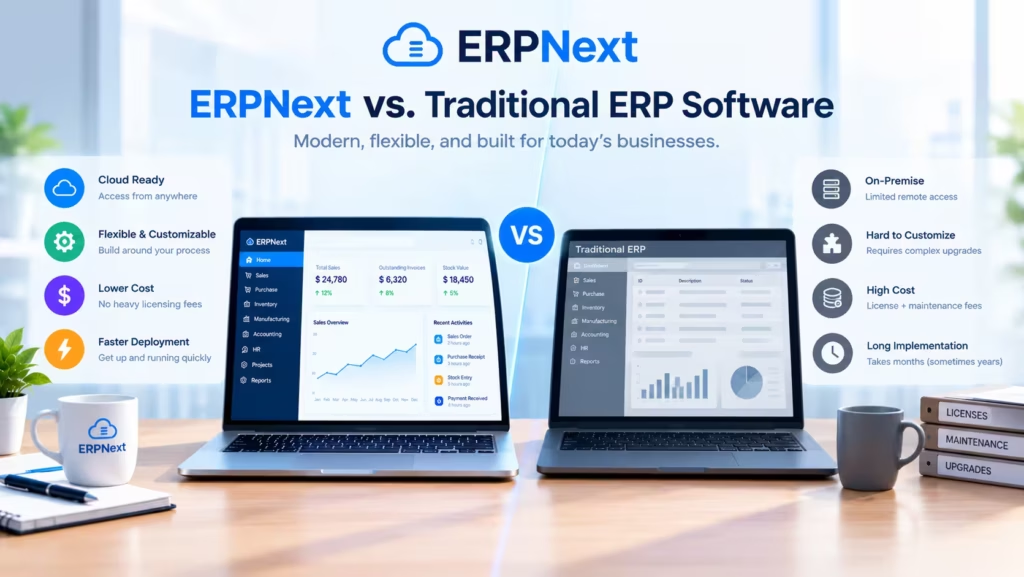
Traditional ERP here means proprietary, vendor-licensed systems such as SAP, Oracle NetSuite, or Microsoft Dynamics. The two approaches differ mostly in who owns the code and who carries the operating burden.
| Factor | ERPNext | Traditional proprietary ERP |
| Licensing | Open-source license, no per-user fee | Commercial license, often priced per user or per module |
| Customization | Source code is open, so deep changes are possible | Within vendor tools and approved extensions |
| Hosting | Self-host or managed cloud | Vendor cloud, partner-hosted, or on-premise |
| Implementation | Partners or in-house teams | Vendor-certified partners and consultants |
| Support | Community, Frappe plans, partners | Vendor contracts, often with service-level terms |
| Maintenance | Shared between you and your partner | Largely set by the vendor’s release cycle |
| Long-term ownership | No vendor lock-in on the code or the data | Dependent on vendor terms and pricing |
Neither column wins in every case. Proprietary systems often offer deeper industry-specific functionality, larger global partner networks and contractual service guarantees, which matter to large enterprises with strict audit or uptime requirements. ERPNext tends to appeal where flexibility, cost structure and ownership of the system carry more weight.
How it compares with other open-source ERPs. Odoo is the other name buyers most often shortlist. It offers a free Community edition and a paid Enterprise edition that adds features and hosting, while ERPNext ships its full feature set as one open-source product. Both need a proper implementation and both vendors change plans and editions from time to time, so compare current terms before deciding.
What Are the Limitations of ERPNext?
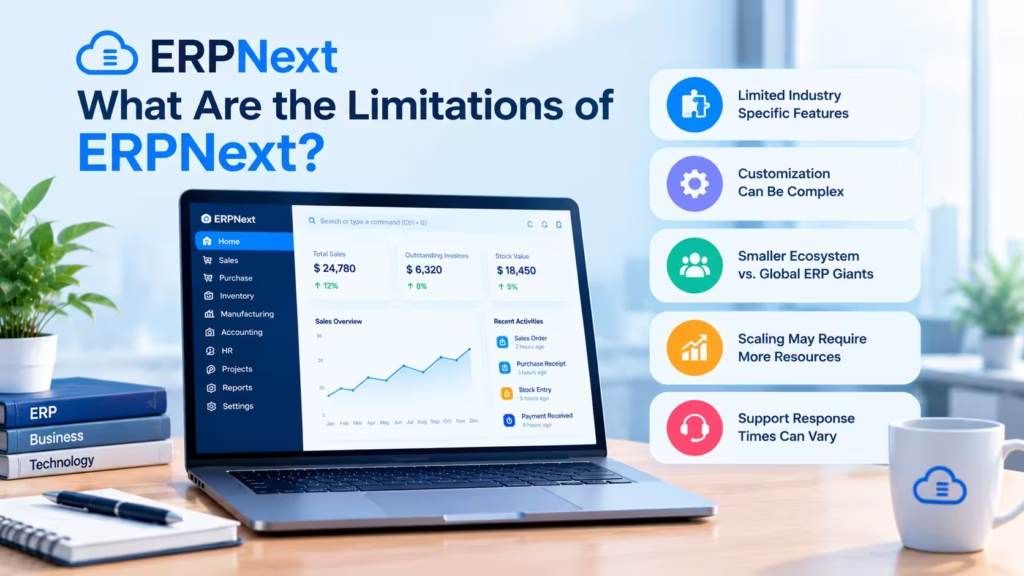
ERPNext has real limits and a fair evaluation should list them.
- Configuration takes effort. The system offers a lot of options. Setting up the chart of accounts, item masters, warehouses, taxes and roles properly takes planning and time.
- Complex processes need customization. Standard flows cover most businesses. Unusual approval chains, industry-specific rules, or heavy integrations usually require scripts or custom apps.
- Data migration is harder than it looks. Old systems hold duplicates, missing fields and inconsistent item names. Cleaning this before import decides how trustworthy the new system feels on day one.
- Training and adoption can stall. If staff keep using spreadsheets next to the ERP, you end up with two sources of truth.
- Upgrades and integrations need upkeep. Major releases arrive regularly. Heavily customized sites need testing and sometimes rework before upgrading.
- Implementation quality decides the outcome. A rushed or under-resourced rollout is the most common reason ERP projects disappoint, whichever product is chosen.
How to Implement ERPNext Successfully
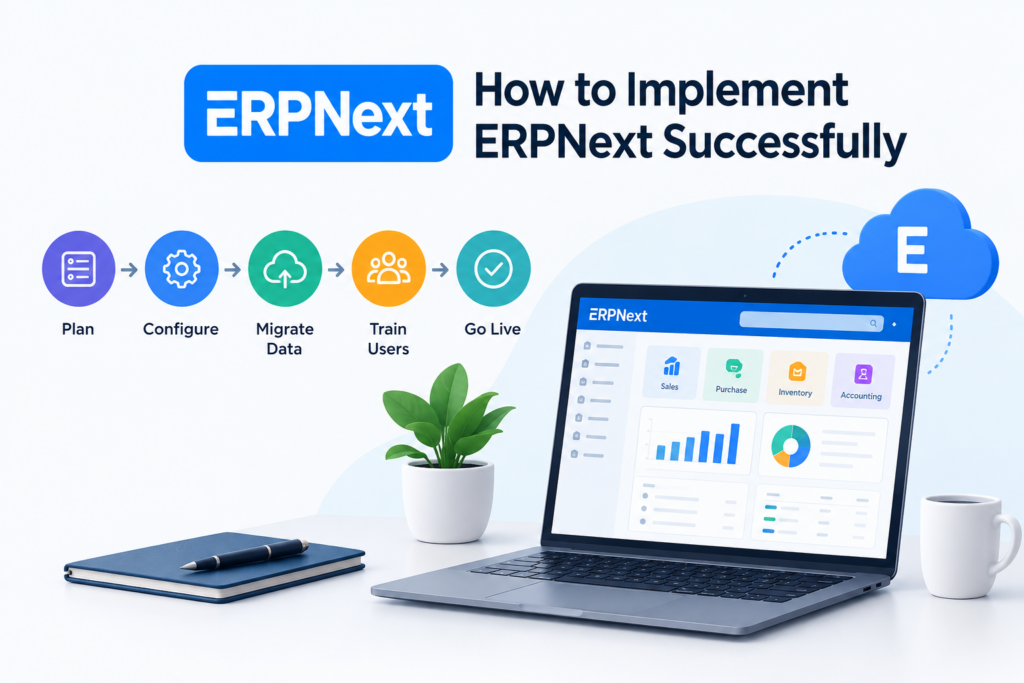
A workable ERPNext rollout follows six steps and the early ones matter most.
- Identify business requirements. Write down how orders, purchases, stock and billing work today and where they break. Name one project owner with real decision authority.
- Select the right modules. Start with the core, usually accounting, inventory, sales and purchasing. Add manufacturing, HR, or projects once the base is stable.
- Clean and migrate data. Deduplicate customers and suppliers, standardize item codes and verify opening balances. Run a trial import before the final one.
- Configure workflows and integrations. Set up approvals, taxes, print formats and connections to your payment gateway, storefront, or bank. Prefer standard flows and customize only when the business case is clear.
- Test and train. Run real transactions in a test site, then train users by role. Keep the old system running in parallel for a full business cycle if you can.
- Monitor after go-live. Review reports, user questions and error logs for the first few weeks and fix gaps while the project team is still engaged.
For small businesses, Frappe’s own starter packs are scoped at roughly two to three months. Multi-module, multi-site, or integration-heavy projects take longer.
An experienced implementation partner earns its fee when you have complex processes, legacy data to migrate, compliance requirements, or no in-house team to run the project. A partner will also keep customizations separate from core code, which makes later upgrades less painful.
Mistakes that slow ERPNext projects down:
- Choosing the cheapest possible hosting and skipping backups and monitoring.
- Having no named project owner, so questions wait days for an answer.
- Rebuilding the old system inside ERPNext instead of using standard flows where they fit.
- Switching off the old system before one full business cycle has been reconciled.
- Treating training as a single session instead of an ongoing habit.
Is ERPNext Right for Your Business?
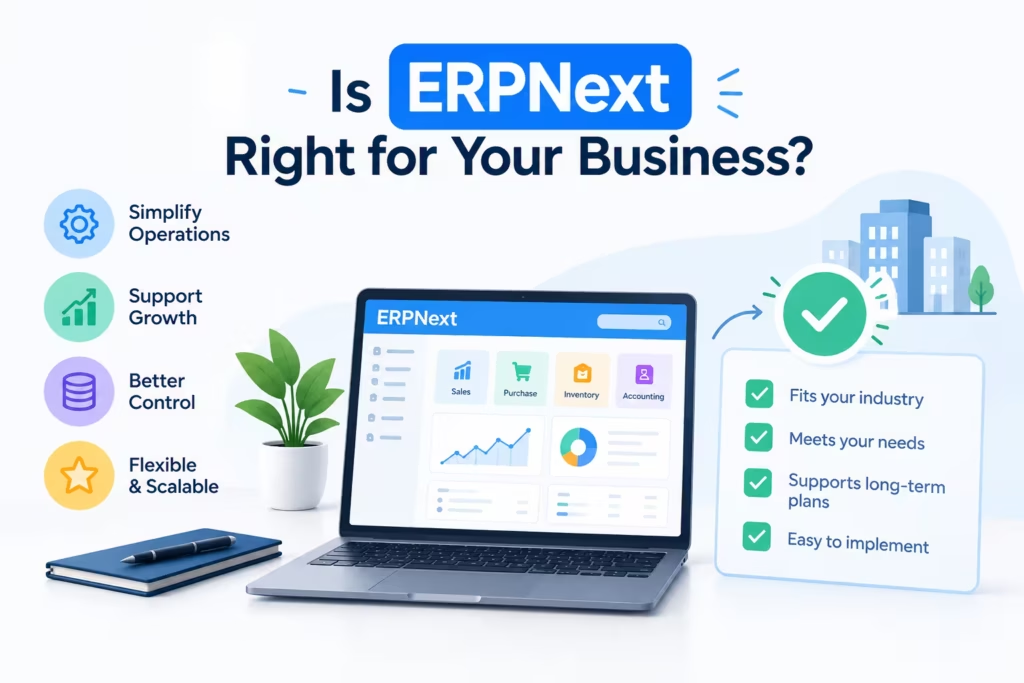
ERPNext is worth evaluating when your business has outgrown simple tools and you want control over how the system is built and hosted.
Signs you have outgrown spreadsheets or disconnected systems:
- Stock counts regularly disagree with the warehouse.
- Invoices are created by retyping data from orders.
- Month-end close takes days of reconciliation.
- Different teams quote different figures for the same customer or product.
- Adding a new location or product line means copying files.
Situations that call for extra planning: extensive customization, several legal entities, industry-specific compliance, or heavy integrations. These can still work in ERPNext, but they need specialist support and a realistic budget.
Questions to ask before choosing any ERP:
- Which processes must the system handle on day one and which can wait?
- Who in the business owns the project and has time for it?
- How clean is our current data?
- Do we want to host the system or have someone host it for us?
- What integrations do we need and who will maintain them?
- What is the plan for upgrades over the next three years?
- What support do we have after go-live?
Frequently Asked Questions About ERPNext
What is ERPNext used for?
ERPNext is used to run daily business operations in one system: accounting, stock control, sales and purchasing, manufacturing, project billing and support. Companies use it to replace disconnected spreadsheets and standalone tools so that finance, warehouse and sales teams work from the same data.
Is ERPNext free and open-source?
Yes, the software is open source under the GNU GPLv3 license and free to download, with no per-user fee. You still pay for the server or hosting plan, set up, any customization and support. Frappe Cloud, the official managed hosting, charges by compute rather than by user.
Is ERPNext suitable for small businesses?
Often, yes. The absence of per-user licensing and the option of low-cost managed hosting suit small teams. The condition is capacity: someone must own the project, supply clean data and make process decisions. Very small firms with simple needs may do fine with basic accounting software.
What is the difference between ERP and ERPNext?
ERP is a category of software that connects core business functions in one system. ERPNext is one specific ERP product, built on the Frappe Framework and released as open source. SAP, Oracle NetSuite, Microsoft Dynamics and Odoo are other ERP products.
What programming language is ERPNext built with?
ERPNext’s server side is written in Python and its browser side in JavaScript, on the Frappe Framework. It uses MariaDB as its main database. Developers extend it with custom Frappe apps, server scripts and client scripts which keeps changes separate from the core code.
Can ERPNext be customized?
Yes. Fields, forms, print formats, workflows and reports can be configured without code. Deeper changes use scripts or custom Frappe apps. Keeping customization in separate apps instead of editing core code makes later upgrades easier.
Can ERPNext handle GST and e-invoicing in India?
Yes, through the India Compliance app, a separate open-source app installed on top of ERPNext. It covers GST-aware transactions, e-invoicing, e-way bills and GSTR reconciliation. Some automation needs paid access to GST APIs and exact features depend on app and ERPNext versions, so confirm the current setup before go-live.
How much does ERPNext implementation cost?
There is no fixed price. Cost depends on the modules in scope, number of users, data to migrate, integrations and customization. A standard setup for a small team costs a fraction of a multi-site manufacturing rollout. Ask partners for a written scope with hours and assumptions, not a single headline number.
Is ERPNext available on the cloud?
Yes. Frappe Cloud is the official managed hosting and handles upgrades and backups. You can also host ERPNext on your own server or with a cloud provider such as AWS or Azure. The choice comes down to who you want responsible for uptime, security and upgrades.
How long does ERPNext implementation take?
Frappe’s starter packs for small businesses are scoped at two to three months. A simple setup with standard processes can move faster, while multi-module, multi-entity, or integration-heavy projects often run longer. Data quality and how quickly your team makes decisions affect the timeline more than the software does.
Conclusion: Should Your Business Consider ERPNext?
ERPNext brings accounting, inventory, sales, purchasing, manufacturing, projects and HR into one open-source system so teams work from the same records. Its strengths are flexibility, no per-user licensing and freedom to choose how it is hosted and supported. Its costs sit in implementation, data migration, customization, training and upkeep. Those costs are real and they decide whether the project succeeds.
If your business is losing time to disconnected tools, a short evaluation is a sensible next step. Map your core processes, list what must work on day one and talk to someone who has implemented ERPNext before.
Explore ERPNext for Your Business: Get a Free Consultation.
Cloud Converge is an ERPNext partner. Our team can review your processes, tell you honestly whether ERPNext fits and scope the work if it does. Visit our ERPNext service page or contact us directly.
ISO 27001 and ISO 9001:2015 certified | ERPNext partner