


If you have worked on an ERPNext rollout, you know the awkward part is not ERPNext. It’s everything it has to talk to. The web store, the payment gateway, the courier, the CRM. Each one sends data in its own way, and unless somebody decides who owns what, you end up with two versions of the truth. This article covers how people connect these systems, which approach suits which situation, and where things tend to go sideways.
On most projects the first integration is a web store or a payment gateway and it usually gets added after ERPNext is already live. By then the client has been copying orders by hand from the store’s admin screen into ERPNext, and the first sync shows how untidy the item codes and customer names have become. That pattern explains most of the trouble described below.
What is ERPNext integration, exactly?
Put simply, it’s getting ERPNext to share data with your other software automatically, so nobody has to retype customers, orders, invoices or payments. You can do that with the connectors that ship with ERPNext, the Frappe REST API, webhooks, a middleware tool or an app built just for you. Which one is right depends mostly on how standard your process is.
ERPNext is built on Frappe and in Frappe almost every record is a DocType: customers, items, sales orders, purchase orders, invoices, delivery notes, payment entries, stock entries. They all work the same way. That helps a lot. Once a developer understands how one behaves through the API, the rest follow. Nobody needs a separate setup for sales and another for stock.
Your own fields count too. Suppose you add marketplace_order_id to Sales Order or courier_tracking_id to Delivery Note. Outside apps can read and write those exactly like the built-in ones.
A quick word on terms, because they get muddled. Migration means moving old data across, once. Customization means changing how ERPNext itself works. Integration is neither. It’s two live systems that have to keep agreeing with each other for as long as you use them, which is why you can’t just set it up and forget it.
This mix-up comes up often. A client asks for an integration when what they want is a change inside ERPNext, such as an approval step before a Sales Order can be submitted. That is customization and no connector will do it. The opposite happens too. Someone imports last year’s orders from the old system, assumes the two systems are now linked, and then wonders why new orders are not arriving. Ask at the start whether the need is a one-time move, a change inside ERPNext, or a live link between two systems.
Integration and implementation
Integration usually isn’t a project on its own. It’s part of the wider ERPNext implementation, which covers things like which modules you switch on, how the master data is set up, workflows, user roles, training and go-live. Integration is the step that connects all of that to the other software around it.
We’d suggest planning the two together. You settle the data flows while you’re mapping processes, you clean the master data once, and the integration user is created with every other permission. Leave integration until after go-live and you’ll end up reopening things people had already approved.
Most implementations go through these stages:
- Mapping the processes and finding gaps.
- Setting up modules and custom fields.
- Cleaning and importing master data.
- Connecting the outside systems.
- Testing with real scenarios and training the team.
- Going live, then support and upgrades.
Make ERPNext Work With the Rest of Your Systems
Tell us what you run today and we’ll show you how it connects to ERPNext.
Make ERPNext Work With the Rest of Your Systems
Disconnected tools mean duplicate data entry, delayed reports, and order or stock numbers that never quite match.
Cloud Converge is an ERPNext partner with hands-on ERP integration experience, including ERP integration on Shopify Plus.
Tell us what you run today, whether that is an online store, CRM, accounting, or custom software, and our integration expert will
map how it connects to ERPNext, flag the risks, and scope the work with you.
Why connect ERPNext to other applications?
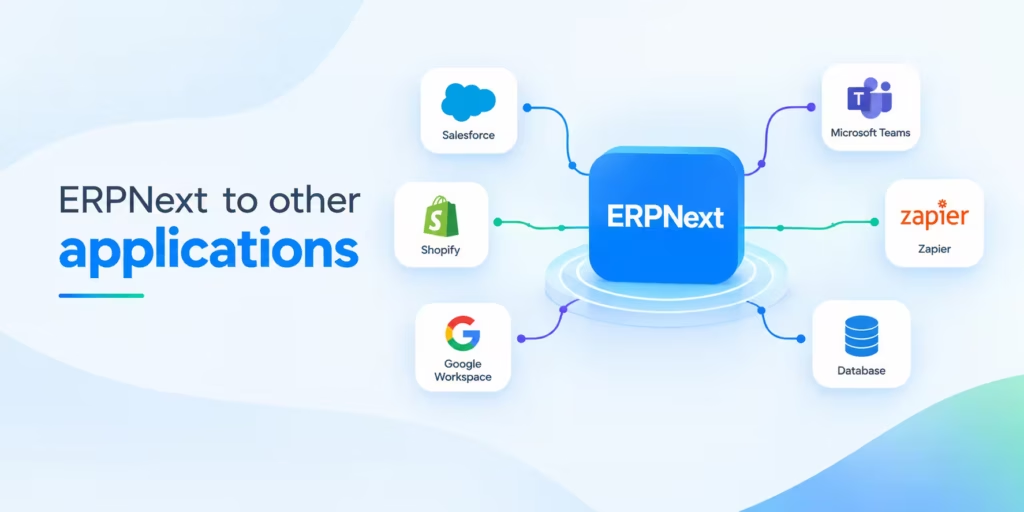
Mostly to stop people retyping things. Beyond that: stock and accounts that stay correct everywhere, faster collection of money and one set of numbers for every team. The result is fewer errors, quicker dispatch and reports you do not have to second-guess.
Here’s what it looks like when it isn’t done:
- Everything typed twice. An order comes into the shop. Someone keys it into ERPNext. Someone else keys the payment into the books. That’s two chances for a typo, and a delay each time.
- Stock numbers that lie. The marketplace says you have 40, the warehouse has 12. You’ve now sold 28 things you don’t own. Stock needs a single owner, and in most setups that’s the ERP.
- Money that turns up late. If someone matches gateway settlements by hand at the end of the month, your receivables are always out of date.
- Reports nobody trusts. The CRM shows one sales figure, the ledger shows another revenue figure, and the meeting becomes a row about who’s right.
- Compliance chores. Tax invoices, e-way bills, bank reconciliation. They repeat, they follow rules, and a machine does them better than a tired person.
A simple check: if someone on your team keeps copying the same information from one screen to another, several times a day, that’s the first thing to integrate.
The most common case is order entry from a web store or marketplace. Someone downloads a sheet of orders each morning and keys them into ERPNext one line at a time. Even for a small shop that eats a good part of a working day every week and mistakes in item codes and quantities show up later as stock differences nobody can explain. Most teams have never measured it so count the hours for one normal week before deciding what to build.
Find Out Which Processes to Automate First
Not every process is worth automating on day one. Tell us how your team works today and we’ll help you pick the ones that save the most time first.
Which applications work with ERPNext?
ERPNext ships with connectors for Shopify, WooCommerce and Amazon, for payment gateways like Stripe, Razorpay, Braintree, GoCardless, Paytm and M-Pesa, for bank feeds through Plaid and for Google services and LDAP sign-in. Beyond that, anything with an API can be hooked up, whether it’s a CRM, a logistics tool, HR software, marketing or BI.
The official documentation sorts the ready-made connectors into groups. If something isn’t on the list, you’d use the Frappe REST API instead.
| Category | Examples | Typical data exchanged |
| eCommerce and marketplaces | Shopify, WooCommerce, Amazon SP-API, Unicommerce | Orders, items, stock levels, customers |
| Payment gateways | Stripe, Razorpay, Braintree, GoCardless, Paytm, M-Pesa | Payment requests, captures, refunds, settlements |
| Banking | Plaid | Bank transactions for reconciliation |
| Google services | Calendar, Contacts, Maps, Drive | Events, contacts, addresses, backups |
| Identity | LDAP, Fairlogin | User authentication |
| Services and retail | Zenoti | Appointments, billing |
Outside that list, these are the ones people ask about most:
- CRM and marketing: HubSpot, Zoho, Salesforce, Mailchimp. ERPNext has a CRM module but the marketing side is fairly basic, so lots of teams run a separate marketing tool and sync contacts and deals.
- Logistics: courier and shipping aggregators, for rates, labels and tracking numbers.
- HR and payroll: biometric attendance devices and outside payroll or benefits providers.
- Business intelligence: Metabase, Power BI or Superset reading from ERPNext for dashboards.
- Messaging: SMS and WhatsApp gateways for order and payment updates.
- Your own tools: a mobile app, a customer portal, a warehouse scanner, or an older system you can’t retire yet.
If you are in India, check India Compliance first. It may already handle GST e-invoicing and e-way bills, so there’s no point building that yourself.
Check Whether Your Application Connects with ERPNext
Running an online store, CRM or custom software? Tell us which application you use and we’ll check how it can connect with ERPNext and what the integration involves.
What to gather before development starts
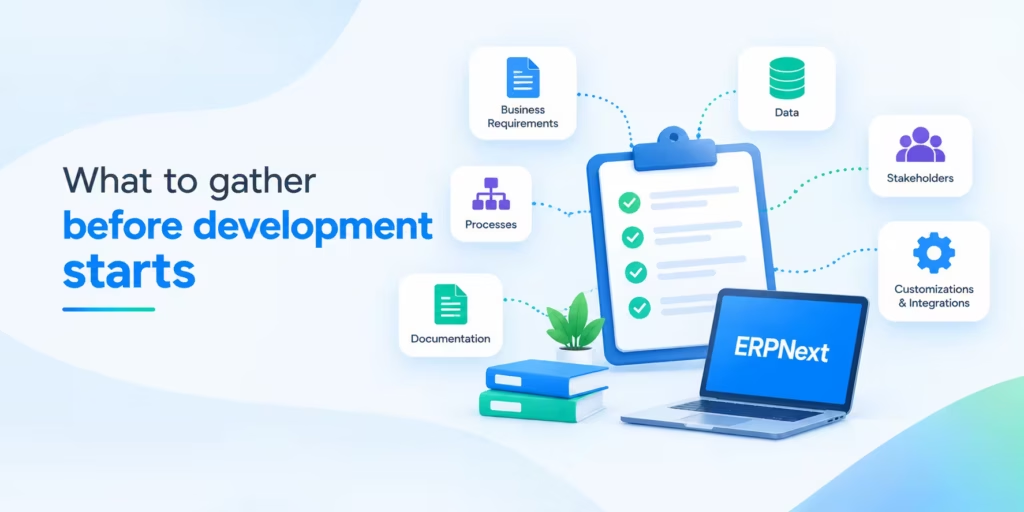
Before anyone writes code, get these things on paper: the systems involved, which way data moves, who owns each record, what triggers a sync and how often, how fields map across, how much volume to expect, what happens when something fails and who approves changes. Then get it signed off.
Most scope arguments start with something people assumed and never wrote down. Go through this list with the people who actually run the process. Don’t rely only on whoever looks after IT.
- Systems and owners. Name each application and who’s responsible for it. Note the version, where it’s hosted and whether it has an API at all.
- Direction of each flow. Does data go one way or both ways? Two-way sync causes most of the conflicts, so only use it where you truly need it.
- System of record. Pick one owner for each kind of record. A common arrangement is that the web store owns an order until it’s placed, ERPNext owns stock and invoices, and the CRM owns a lead until it converts.
- Trigger and timing. Instant, every few minutes, or overnight? A new order might need to arrive straight away. A price list change can probably wait until tonight.
- Field mapping. Go through every field: units of measure, tax templates, currencies, naming series, custom fields. Also decide how records get matched, whether by email, SKU or an external ID stored in a custom field.
- Volume and peaks. How many orders on a normal day, and how many on a sale day? The difference tells you whether you need a queue.
- Business rules. What happens with partial shipments, cancellations, returns, backorders, discounts and failed payments?
- Failure handling. Who finds out when a record fails? How does it get retried? How do you fix it without creating a duplicate?
- Security and permissions. What roles does the integration user need, and is there any data that must never leave ERPNext?
- Acceptance criteria. A short list of test scenarios, run with realistic data. Once they pass, you can go live.
If you only have time for one thing, draw a one-page data flow diagram. Systems, arrows, owners, triggers. It settles more arguments than any other document in the project.
A typical mistake is leaving out who owns customer addresses. The store lets shoppers edit them, ERPNext lets the accounts team edit them, and the sync runs both ways. A few weeks later invoices are going to old addresses. On a one-page diagram you would have seen two arrows pointing at the same field. Write the owner of each field on that diagram before any building starts.
Get Our Free ERPNext Integration Requirements
Planning to connect ERPNext with your other systems? Get our free requirements list covering what to gather and decide before the integration work starts.
The main ways to integrate ERPNext
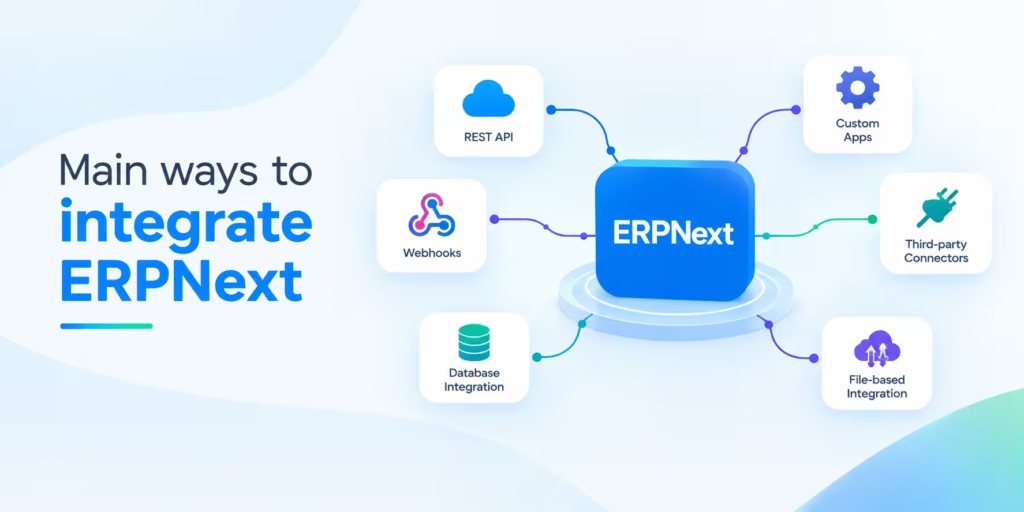
There are five. Built-in connectors, the Frappe REST API, webhooks, middleware or iPaaS tools like Zapier, Make and n8n, and custom Frappe apps. You choose by looking at how standard the workflow is, how much data moves and who will look after it later.
| Method | Best for | Strength | Limitation |
| Built-in connectors | Shopify, WooCommerce, Stripe, Razorpay and similar | Fastest to start, maintained with ERPNext | Covers standard cases only |
| Frappe REST API | Custom pairings with any system that can call HTTP | Full access to DocTypes and whitelisted methods | Needs developer time and error handling |
| Webhooks | Pushing an event out when a document changes | Event driven, no polling | One direction per hook, fires on DocType events |
| Middleware or iPaaS | Many small flows, business users managing rules | Visual mapping, quick changes | Task limits, less control over edge cases |
| Custom Frappe app | Complex logic, high volume, deep process fit | Runs inside ERPNext, full control | More build effort, you own upgrades |
Built-in connectors
These are configured inside ERPNext. For an ordinary Shopify or Stripe setup, they’re the obvious place to begin, and they get maintained along with the product.
REST API
Every DocType works as a resource so the pattern is predictable. GET lists or fetches, POST creates, PUT updates, DELETE removes. Developers can also expose their own logic as whitelisted methods under /api/method/. Newer versions of ERPNext add a v2 document API alongside the older resource endpoints so find out which one your version uses.
For calls between servers, most people use an API key and secret, sent in the Authorization header as token api_key:api_secret. OAuth 2 is the option when a third party needs access on behalf of a user.
Webhooks
ERPNext has a Webhook DocType. It sends a request to a URL whenever something happens to a document, say a Sales Invoice gets submitted. That’s handy for letting another system know about a change. By itself it doesn’t give you a retry queue, de-duplication or a screen a business user can manage. You’ll have to build those or add something on top.
Middleware and iPaaS
Zapier, Make and n8n let people who don’t code connect ERPNext to other tools using triggers and actions. They’re good for notifications, routing leads and creating simple records. They get awkward when a workflow has to loop through line items, apply conditional tax rules, or handle thousands of records an hour.
Custom Frappe apps
If the logic is heavy, a custom app inside the Frappe bench can listen for document events, run background jobs and call outside services directly. It sits right next to the data. The catch is that you’re responsible for keeping it working through ERPNext upgrades.
How to choose
- Standard store or payment gateway: start with the built-in connector.
- A system with a documented API and moderate logic: use the REST API, with a small service handling retries and logging.
- You only need to tell another system something changed: use webhooks.
- Lots of simple workflows your operations team will want to adjust: use middleware.
- Heavy logic, high volume or steps that must succeed or fail together with an ERPNext transaction: build a custom Frappe app.
For most small and mid-sized businesses, we suggest starting with the built-in Shopify or WooCommerce connector and a gateway app such as Razorpay or Stripe
and using the REST API only for what they don’t cover. For a courier aggregator or a CRM, the REST API with a small service of your own that logs every call tends to work better than a long chain of Zapier steps, because you can see exactly which call failed and why. n8n is a good fit when the operations team wants to change rules without waiting for a developer.
Book a Consultation to Compare Methods for Your Use Case
Different integration methods suit different setups. Share your use case and we’ll compare the options with you, covering effort, risks and which one fits best.
Connecting ERPNext to a third-party app, step by step
Agree the data flow, create a dedicated integration user with limited roles, generate API credentials, map the fields, build the sync with error handling and logging, test realistic cases on a staging site, then go live and keep an eye on it. Please don’t use an administrator account for any of this.
The steps below apply whether you use the REST API, middleware or a custom app.
Step 1: Confirm the flow. Go back to the requirements. If nobody has agreed the diagram, stop here and sort that out.
Step 2: Prepare a staging site. Copy production data to a separate ERPNext site and mask anything sensitive. Never build against live records.
Step 3: Create an integration user. Give one dedicated user only the roles it needs. If the integration just creates Sales Orders and reads Items, it shouldn’t be able to cancel invoices. If the credentials ever leak, the damage is small, and the audit log is easy to read.
Step 4: Generate credentials. Create an API key and secret for that user. Keep them in the secrets store of the application making the calls, not in source code and not in a shared spreadsheet.
Step 5: Add custom fields for external references. Save the other system’s ID on the ERPNext record. That’s how you find the right record to update later, and it stops duplicates.
Step 6: Map fields and transformations. Spell out how units, currencies, tax codes and statuses convert. A mapping table is much easier to check than logic buried in code.
Step 7: Build the sync. Make every write idempotent, meaning the same message sent twice still gives you one record. Put slow work in background jobs so nobody sits waiting for an outside service.
Step 8: Handle errors visibly. Log every failed call along with the payload and the response. Retry a limited number of times, then alert a person.
Step 9: Test with realistic cases. Try a partial shipment, a cancellation, a return, a zero-value item, a customer with two addresses and a big batch. If you only test perfect orders, you’ll miss most of the real bugs.
Step 10: Go live in stages. Start with a small subset or a single day’s traffic. Watch the logs and compare totals in both systems before you widen it.
Step 11: Monitor. Track failed syncs, queue length and the gap between the two systems’ totals. A daily reconciliation report will catch problems long before month end.
Example: a web store order becoming an ERPNext invoice
- A customer places an order in the store. The connector or a webhook sends it to ERPNext.
- ERPNext looks for the customer by email address. If there isn’t one, it creates the customer and saves the store’s customer ID in a custom field.
- A Sales Order is created. The store’s order number goes into a custom field, and stock is reserved.
- The payment gateway confirms payment, and ERPNext records a Payment Entry against the invoice.
- The warehouse creates a Delivery Note, and the courier’s tracking number is written back to the store order.
- After each stock movement, ERPNext pushes the new quantity to the store.
- At the end of the day, a report compares the number of orders and their total value in both systems.
Here is how that looks on a typical project. A distributor sells through a WooCommerce store, keeps stock and invoices in ERPNext, and ships with a courier aggregator. The store’s built-in connector brings in orders and customers. A small service built on the REST API sends the shipment details to the courier and writes the tracking number back to the Delivery Note and the store order. Stock quantities go from ERPNext to the store after each movement.
On a setup like this, most of the calendar time goes to cleaning item codes, agreeing how returns and cancellations are handled, and testing, not writing code. Expect a few weeks from the signed-off requirements to a staged go-live, and longer if the store has bundles or several warehouses.
Request an ERPNext Integration Plan for Your Business
Tell us which systems you want connected to ERPNext. We’ll review your setup and send back a clear plan covering the approach, the scope of work and the next steps.
Where ERPNext integrations usually go wrong
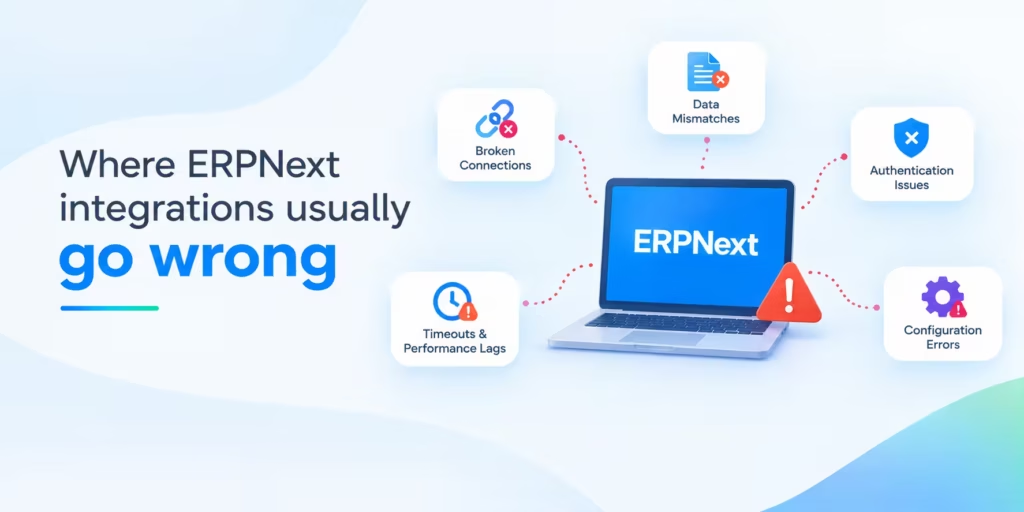
Duplicate records, mismatched master data, rate limits and timeouts, two-way sync conflicts, permission errors, custom code that breaks on upgrade, and unclear ownership of data. Nearly all of these can be avoided by making decisions before coding begins.
Duplicate records. A request times out, gets retried, and you’ve got a second Sales Order. Give every record an external ID and look it up before creating anything.
Master data mismatch. SKUs, customer names and tax categories don’t match between systems. Clean the data first and integrate afterwards. Joining two systems won’t tidy up either of them, it’ll just pass the bad records along faster.
Rate limits and timeouts. Frappe applies a site-wide limiter based on processing time, and you can set limits per endpoint as well. If you go over, you get a 429 response. Queue and batch big imports instead of sending them all at once. The other service will have limits of its own.
Authentication errors. A 401 usually means the token is in the wrong format or has expired. A 403 means the integration user is missing a role, or the method isn’t whitelisted. A CSRF token error appears when session-based calls are used where token authentication was intended.
Two-way conflicts. If both systems can edit a customer’s address, one of those edits will be overwritten. Give each field a single owner, or use a last-modified rule that both sides respect.
Validation failures. ERPNext rejects documents that break its rules, for instance a missing tax account or an item with no stock UOM. The other system has to handle that rejection and not just ignore it.
Upgrade breakage. ERPNext releases major versions regularly. Custom apps and anything touching internal APIs may need changes afterwards, so test on staging before every version change.
No monitoring. Plenty of integrations run for months with a quiet failure until an accountant spots a gap. Alerts and a daily reconciliation stop that.
Unclear ownership. When an order is wrong, sales blames IT and IT blames the store platform. Put a named owner on each integration and the finger-pointing stops.
The failure we hear about most is the duplicate order after a timeout. The store sends an order, ERPNext is slow because someone is running a heavy report, and the store treats the delay as an error and sends it again. Now there are two Sales Orders and double the stock is reserved. It usually comes to light when the warehouse picks the same parcel twice or when stock looks short. The fix is to save the store’s order number in a custom field, look for it before creating anything, and return the existing record if it is already there.
Get an Audit of Your Existing ERPNext Integration
Not sure your current integration is built to last? We’ll go through how it’s set up, look for gaps in data flow, reliability, and security, and tell you what to improve.
When off-the-shelf stops being enough
When no built-in connector or middleware template fits your process, when volumes are high, when the business rules are complicated, when a regional or niche system has no connector, or when the standard connector would force you to change something that works fine.
Stay with a standard connector until it clearly stops fitting. These are the signs that it has:
- There’s no ready connector for the system. That’s common with regional payment providers, local courier networks and industry-specific software.
- Orders have bundles, kits, serial numbers, batches or several warehouses that the standard mapping can’t handle.
- Approvals, pricing rules or credit checks have to run before a document is created.
- Volume is high enough that a middleware tool gets slow or hard to manage.
- The integration has to run inside an ERPNext transaction, so that a failure rolls everything back.
- Data residency or security rules mean records can’t pass through a third-party platform.
- You’re connecting a legacy system that only offers file exports, a database or an old SOAP interface.
If you’re not sure, wrap a thin custom layer around the standard connector first. Extending something that works is less risky than replacing it.
What drives the cost of an ERPNext integration
ERPNext has no license fee, so what you pay for an integration depends on your industry, the scope, the systems involved and the people the project needs. The most reliable way to get a real figure is a short discovery call once your requirements are written down.
No two integrations are scoped alike. These are the things that push the effort up or down:
- Industry and compliance. Manufacturing, retail, distribution, healthcare and education each have their own documents, approval steps and tax or reporting rules.
- Scope of work. How many systems, how many data flows, and whether data moves one way or both.
- The team you need. A business analyst, an ERPNext or Frappe developer, a tester, a project manager, a support engineer. Some projects need all of them, some don’t.
- The other system’s API. A well-documented one saves time. A poor one means extra digging and workarounds.
- State of the master data. If items, customers and tax settings need cleaning, that has to happen before you can trust any sync.
- Volume and performance. Queues, batching and retries matter once lots of records move at the same time.
- Testing, training and documentation. Realistic test cases, user sign-off and handover notes belong in every scope.
- Hosting and support. Upgrades, changes at the other vendor and new requirements carry on after go-live.
Ask any vendor for a written scope, a list of assumptions and a plain statement of what isn’t included. A long list of exclusions usually means extra charges later.
Timelines vary too much for one figure. As a rough guide, a standard connector with clean data takes days, a custom REST API integration takes weeks, and anything two-way or tied to a legacy system takes longer. What surprises clients most is that the coding is the smaller part of the cost. Cleaning item and customer data, writing down the rules and testing returns and cancellations is where most of the hours go.
Habits that keep integrations healthy
Agree ownership and scope in writing, keep integration code separate from core ERPNext, plan for failures and rollbacks, rotate credentials, train the users, and review every integration on a regular schedule.
- Start from the business process. Sketch the flow on paper and get the people who run it to agree before anyone opens a code editor.
- Keep integration code out of core ERPNext. Put it in a custom app and use hooks, so an upgrade can’t overwrite it.
- Plan for failure. Know how to pause a sync, replay failed records and undo a bad batch.
- Watch the other vendor’s API. Subscribe to their change notices and note which API version you depend on.
- Name an owner and a response time. Each failed sync should reach a particular person who knows what to do.
- Train the users. They should be able to spot a sync failure and fix the record without creating a duplicate.
- Rotate credentials and review roles. Change API secrets on a schedule, and remove access when staff or vendors leave.
- Review twice a year. Business rules change. Retire flows nobody uses and update the ones that have drifted.
Run a daily reconciliation report from the first day. A short report that compares order counts and totals in both systems is cheap to build, and it catches nearly every silent failure. Most clients add it only after an accountant finds a gap at month end.
Documenting your integration
Good documentation means a new person can support the integration after the original team has moved on. Keep one shared document that covers:
- The data flow diagram, with systems, directions, owners and triggers.
- The field mapping sheet, including custom fields and the external ID used for matching.
- The integration user, its roles, and where its credentials are stored (never the credentials themselves).
- The webhook and API endpoints in use, and what each one does.
- Known error codes, what they mean and how to recover from them.
- The test cases used for acceptance and for every upgrade.
- A change log: what changed, who changed it and when.
The official ERPNext docs have pages on the integration overview, token based authentication and webhooks. Link to those from your own notes rather than copying them. That keeps your documentation short and stops it going out of date.
Book an ERPNext Integration Health Check
Already running ERPNext with connected systems? Our team will review how they work together today, flag what’s slowing you down and suggest what to fix first.
ERPNext integration FAQs
What does ERPNext integration mean?
It’s linking ERPNext to another application so records pass between them and nobody has to retype anything. Depending on how complex the process is, you’d use ready-made connectors, the REST API, webhooks, middleware or a custom app.
Is there an ERPNext API?
Yes. ERPNext runs on the Frappe Framework, so every DocType is available through a REST API for creating, reading, updating and deleting. Developers can add their own whitelisted methods for custom actions. You authenticate with an API key and secret, or with OAuth 2.
Which apps connect to ERPNext out of the box?
The official documentation lists Shopify, WooCommerce, Amazon SP-API, Unicommerce, Zenoti, Stripe, Razorpay, Braintree, GoCardless, Paytm, M-Pesa, Plaid, Google Calendar, Google Contacts, Google Maps, Google Drive and LDAP. Anything else connects through the REST API.
Will ERPNext work with HubSpot or Salesforce?
Yes, through the REST API, webhooks, a middleware platform or a custom app. The usual arrangement keeps leads and opportunities in the CRM, and customers, quotations, orders and invoices in ERPNext, with a sync at the point where a lead converts.
Webhook or API call: what’s the difference?
Think of it as who starts the conversation. With an API call, your system asks ERPNext for something or tells it to do something. With a webhook, ERPNext speaks first and sends a message when an event happens, such as an invoice being submitted. Most integrations end up using both.
Can I integrate ERPNext without coding?
For simple flows, yes. Built-in connectors and tools like Zapier, Make and n8n let you set up triggers and actions visually. You’ll need code when the logic gets complicated, when volume is high, or when the other system has no connector.
How long does an integration take?
It depends on what you are connecting. A built-in connector with tidy data can be running in a few days. A custom integration takes weeks, because the requirements, the build, the testing and the sign-off all take time. Two-way sync and older systems take the longest, and a lot of that time goes into agreeing rules and cleaning data, not coding.
Is it secure?
It can be, if you set it up with care. Create a separate integration user with only the roles it needs, use token or OAuth authentication over HTTPS, keep secrets out of source code, and switch on audit logs. Never run an integration under the Administrator account, because a leaked key would then give access to everything.
What does it cost?
There is no license fee for ERPNext, so the money goes into design, development, testing, hosting and support. The size of the bill depends on how many systems you connect, how many data flows there are and what state your data is in. Write down your requirements, share them with an ERPNext integration specialist, and ask for a written scope with the assumptions listed.
Will an upgrade break my integration?
Built-in connectors are maintained with the product. Custom apps, and integrations that rely on internal behavior, may need adjusting after a major upgrade. Keep a staging site, run your integration tests there, and review custom code before each version change.
Middleware or custom build?
If the flows are simple, the volume is low and your team wants to change the rules themselves, middleware is fine. Move to a custom build when the logic gets complicated, when volume grows, when security rules keep data away from third-party platforms, or when task limits start to cost more than a developer would.
Does ERPNext work with Shopify and WooCommerce?
Yes. Both have built-in connectors that handle orders, items and stock. Stores with bundles, multiple warehouses or unusual tax rules usually need extra mapping, or a custom layer on top of the connector.
Why do ERPNext integrations fail?
Unclear data ownership, untidy master data, no external IDs on records, no monitoring, and credentials that are too broad or have expired. Most of these get decided before a single line of code is written.