


Most ERP overruns are agreed on the day the scope is signed. A requirement written as “approvals per our policy” can mean a ten-minute workflow setting or a three-week development task, and the contract rarely says which. An ERPNext fit-gap analysis closes that gap in understanding by rating every process against how the Frappe platform will actually deliver it. This guide gives finance, operations and IT leads in Europe and Asia a four-level scorecard to run before any signature, written against ERPNext v16.
What Is an ERPNext Fit-Gap Scorecard?
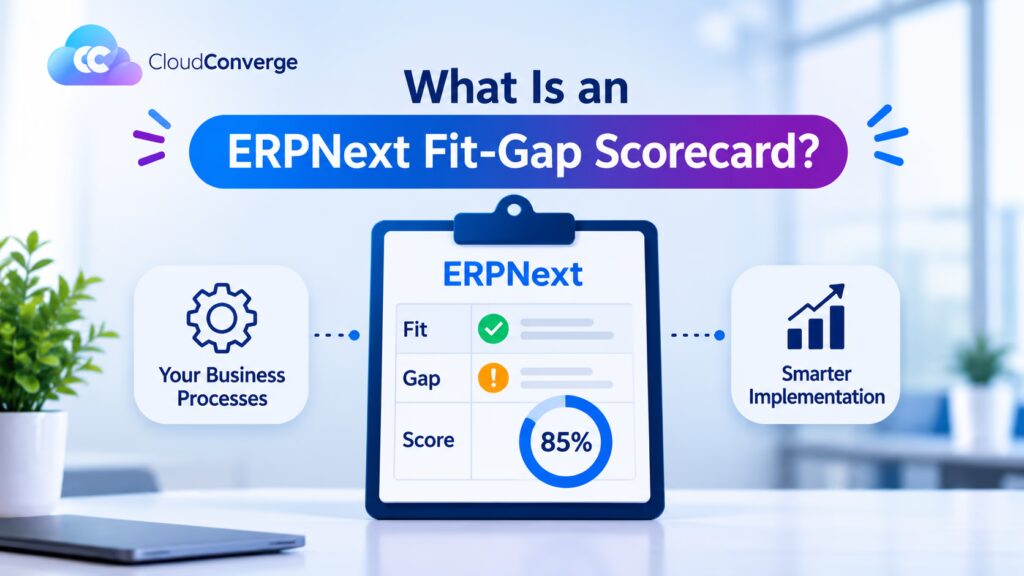
An ERPNext fit-gap scorecard lists every business process you need and rates how ERPNext will meet it: Standard (works as shipped), Configure (no-code settings such as custom fields and workflows), Extend (client or server scripts) or Custom (a separate Frappe app). The mix shows real scope, effort and upgrade risk before you sign. Cloud Converge runs these scorecards for ERPNext projects.
- What it is: a requirement-by-requirement table that ties each need to the Frappe mechanism that will deliver it.
- Who it suits: manufacturers, distributors and service firms about to agree an ERPNext implementation scope or a fixed-price contract.
- Why four levels: each one maps to a different place the change lives (the product, the site database or a Git repository), so each carries a different build and upgrade cost.
- When to run it: at a high level while selecting an ERP, then in detail before the statement of work is signed.
- Version to rate against: ERPNext v16, released on 12 January 2026, with support planned to the end of 2029.
How to build one in five steps
- List end-to-end processes such as order to cash, procure to pay, plan to produce and record to report.
- Break each process into requirements written in plain business language.
- Walk every requirement through a v16 demo site loaded with your own sample data.
- Rate each line Standard, Configure, Extend or Custom, naming the mechanism.
- Challenge each non-Standard line once more by asking whether the business could adopt the standard flow instead.
Valuable Points to Know Before You Rate a Single Process
- Ask about process change first. Before any line goes above Standard, ask whether the team could work the way ERPNext already does. Retiring a legacy habit usually costs less than carrying code for it through every upgrade.
- Client Scripts never enforce a rule. They run only in the browser, so records created by data import, the REST API or a background job skip them. A rule that must always hold belongs in a Server Script or an app, and should be rated that way.
- Database changes are invisible to Git. Custom fields, property setters and Server Scripts live in the site database. Export them as fixtures into an app and keep a register of every script, or nobody will know what exists when v17 arrives.
- Editing core files is never a rating. If a proposal fixes a requirement by changing ERPNext or Frappe source code, reject that line and ask for a hooks-based app instead. Core edits are overwritten or conflict at the next bench update.
- Price Custom rows as a running cost. Every custom app must be tested and often adjusted at each major release, so the build estimate is only the first payment.
- Let process owners do the rating. The people who raise invoices or plan production should click through the demo site themselves, with a consultant beside them. Workshop answers from memory miss the exceptions that turn a Configure into a Custom.
From a Fit-or-Gap Spreadsheet to a Four-Level Scorecard
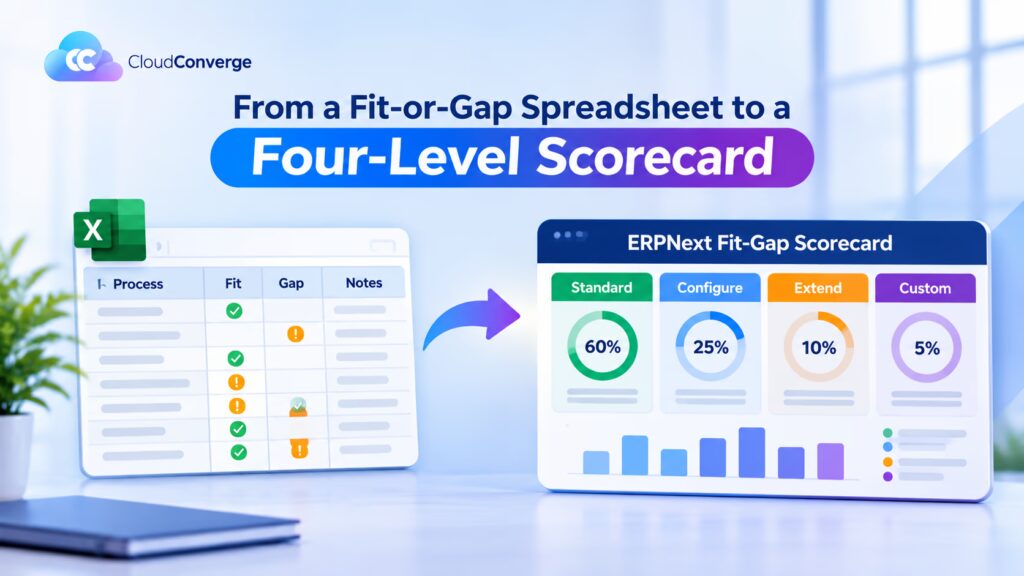
The classic fit-gap exercise grew up with large licensed ERPs. Consultants ran workshops, captured requirements in a spreadsheet and marked each one Fit or Gap, sometimes with Partial Fit in between. Gaps went to the vendor for development quotes, and because changes to those systems were expensive and slow, a binary answer was good enough.
ERPNext changes the economics. The Frappe framework offers several ways to change behaviour, from a field added in the browser to a full Python app, and each has a different cost and upgrade profile. A single “Gap” label hides that difference, which is exactly where budgets slip.
| Criteria | Traditional fit-gap | Four-level ERPNext scorecard |
| Rating scale | Fit, partial fit or gap | Standard, Configure, Extend or Custom |
| Evidence | Workshop notes and memory | Walkthrough on a v16 demo site with sample data |
| Effort estimate | All gaps estimated as one pool | Each level carries its own build and test profile |
| Upgrade view | Rarely recorded | Every line shows whether the change sits in the database or in Git |
| Process change | Considered late, if at all | Tested on every line above Standard |
| Output | A list of gaps for the vendor | A scope schedule attached to the contract |
Our recommendation: keep the discipline of the traditional method (one row per requirement, a named decision for each gap) and add the four levels on top. Large firms with fixed processes and audit requirements may still prefer a formal Fit/Gap register; the levels can sit beside it as an extra column.
The Four Ratings and What Each Means in ERPNext
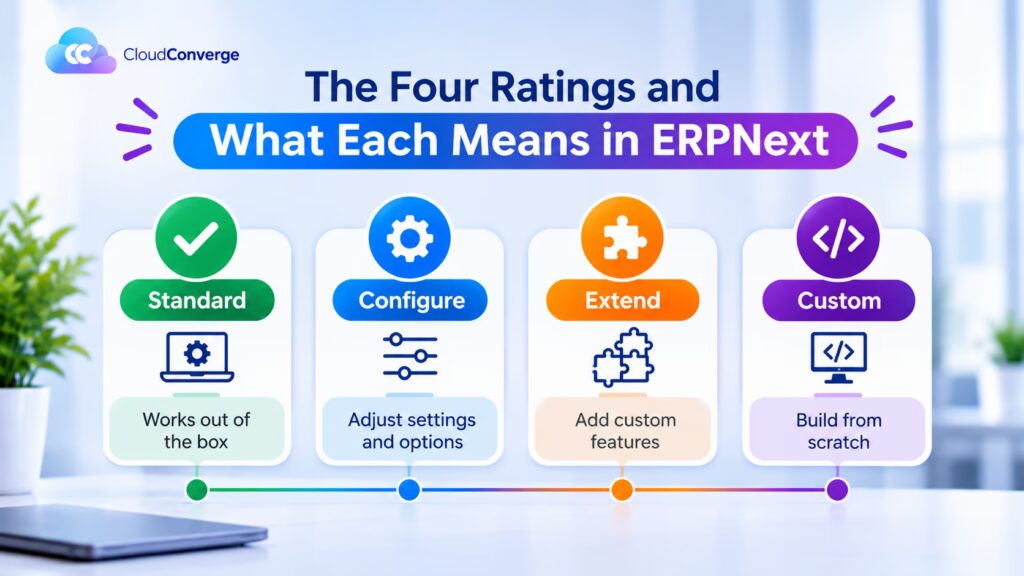
Each level answers one question: where will this change live, and who has to look after it later?
Standard
The requirement works as shipped once the normal setup data is entered: company, chart of accounts, warehouses, item groups, price lists and naming series. A customer credit limit that stops a sales order is a good example, because ERPNext checks it out of the box. Standard lines need training and testing, nothing more.
Configure
The requirement is met through no-code tools that Frappe stores as site customisations. Customize Form adds custom fields and changes labels, mandatory flags and visibility. Workflows model approval chains by role, Notifications send alerts on document events, and Print Formats use Jinja templates for invoices and delivery notes. Frappe applies these on top of the standard DocType, so the core definition is untouched and upgrades pass over them cleanly.
Extend
The requirement needs logic, written as a script on the live site. Client Scripts in JavaScript shape the form experience, such as filtering a supplier list by region. Server Scripts in restricted Python enforce rules on save or submit, run small scheduled jobs and expose simple API endpoints. They are quick to write, but they sit in the database without version control, and a script that refers to a field renamed in a later release fails after the upgrade.
Custom
The requirement needs a separate Frappe app, created with bench and kept in Git. This is the right level for new business objects with their own logic, document event hooks, class overrides, integrations that call external services with retries, and anything needing a Python library. A simple new record type can still be built in the browser, but once it carries rules, tests or integrations it belongs in an app.
| Rating | Where the change lives | Typical tools | Upgrade care |
| Standard | ERPNext product | Setup data, settings | Retest the flow |
| Configure | Site database | Custom fields, workflows, print formats | Export as fixtures; light check |
| Extend | Site database | Client and Server Scripts | Keep a script register; review each one |
| Custom | Git repository | Custom app, hooks, new DocTypes | Code review, automated tests, port forward |
How to Build and Run the Scorecard
Start from processes, not modules. A module list (Accounts, Stock, Manufacturing) hides the hand-offs where most gaps appear, such as the moment a goods receipt should trigger a quality check.
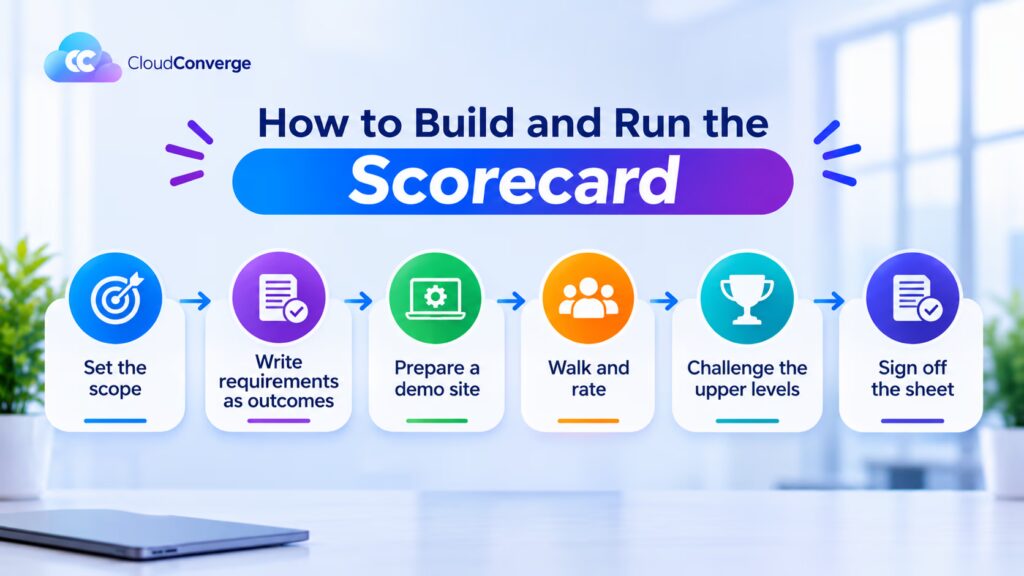
- Set the scope. Name the companies, countries and processes in scope, plus the ERPNext version and any extra apps such as Frappe HR or India Compliance.
- Write requirements as outcomes. “Purchase orders above a set value need finance approval” is ratable. “Same as our current system” is not.
- Prepare a demo site. Load a few hundred real items, customers, suppliers and your chart of accounts so the walkthrough reflects your data, not a sample company.
- Walk and rate. Process owners run each requirement on the site. The consultant records the rating, the exact mechanism and any open question.
- Challenge the upper levels. Review every Extend and Custom line with a business owner and a technical lead, and downgrade any line the business agrees to handle through process change.
- Sign off the sheet. The final scorecard becomes a schedule to the statement of work, with each line traceable to an acceptance test.
The example below shows part of a scorecard for a manufacturer invoicing in India and selling into Europe. The lines are illustrative.
| ID | Process | Requirement | Rating | ERPNext mechanism |
| FG-01 | Order to cash | Stop a sales order when the customer is over its credit limit | Standard | Credit limit on the Customer record |
| FG-02 | Order to cash | Raise GST e-invoices and e-way bills from the sales invoice | Configure | India Compliance app and its settings |
| FG-03 | Order to cash | Print invoices in English and German | Configure | Print Format with translations |
| FG-04 | Procure to pay | Purchase orders above a set value need finance approval | Configure | Workflow with a value condition |
| FG-05 | Procure to pay | Create a quality inspection when a purchase receipt is submitted | Extend | Server Script on submit |
| FG-06 | Record to report | Block submission of a sales invoice below the minimum margin | Extend | Server Script on validate |
| FG-07 | Plan to produce | Pull machine output from the shop-floor system every hour, with retries | Custom | Scheduled job in a custom app |
| FG-08 | Service | Track customer-owned tooling with its own lifecycle and rules | Custom | New DocType in a custom app |
Add columns for priority (must, should, could), decision owner and status if your programme uses them. Keep the mechanism column, because it is the one that turns a rating into an estimate.
Reading the Results Before You Sign
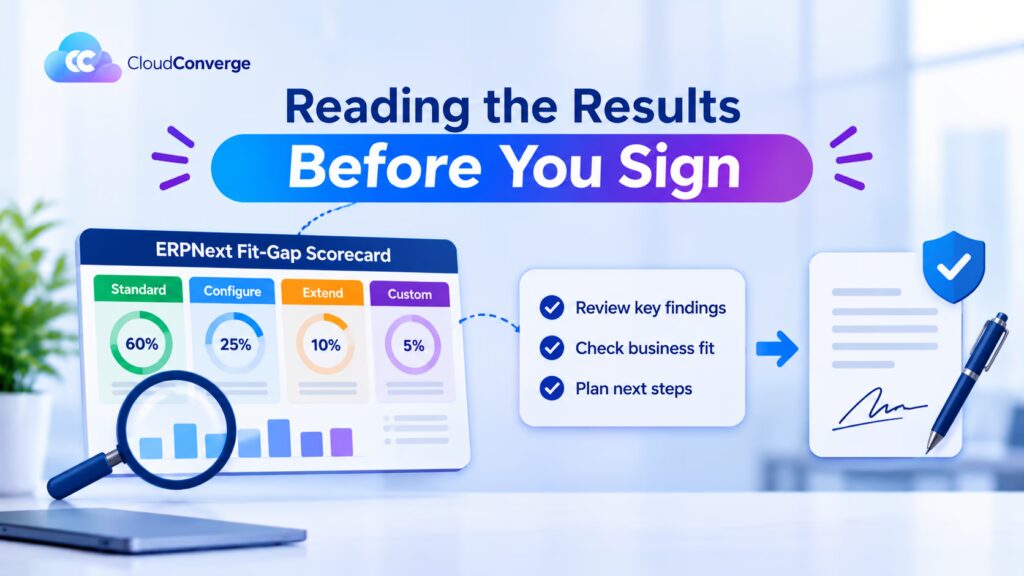
Count the lines at each level per process, not just for the whole project. Ten Custom lines spread thinly is a different risk from ten Custom lines inside order to cash, where every invoice depends on them.
Watch for these warning signs:
- Custom lines that touch the ledgers. Code that changes how general ledger or stock ledger entries post deserves an architect’s review, because errors there surface at month-end close, not on the day of the change.
- Extend lines doing Custom work. A Server Script calling an outside service, or one that has grown past a screen of code, should move into an app before go-live rather than after the first failure.
- Ratings with no mechanism. “Configure” without naming the field, workflow or format usually means nobody has tried it on the demo site.
- Many Custom lines in one process. That pattern often means the business is recreating its old system. Revisit those requirements with the process owner before costing them.
Then carry the scorecard into the contract:
- Attach it as a schedule, so scope means the listed lines at their agreed levels.
- Treat a later rating change, such as Configure becoming Custom, as a change request with its own estimate.
- Cost Custom lines separately and add an allowance for upgrade work on each one.
- Write one acceptance test per line, so sign-off at the end of the project checks the same list the contract was built on.
The mix also points to a sensible engagement model. A scorecard that is mostly Standard and Configure suits a fixed-price project. A long list of Custom lines, or ones still unclear, usually fits a dedicated team or agile delivery better, because the design will keep moving.
Regional Lines That Change the Rating
Statutory requirements are where a confident Standard most often turns out to be wrong, so rate them country by country.
India. GST, e-invoicing, e-way bills, TDS and TCS sit in the India Compliance app rather than in ERPNext core. Rate them Configure and note that the government API features need a paid India Compliance account, which belongs in the running-cost line of the budget.
Europe. VAT returns and national e-invoicing formats vary by country and keep changing. For each country you file in, check whether a maintained Frappe app already covers the required format; if not, the line is Custom, however small it looks. GDPR adds non-functional lines too: where the data is hosted, who can see employee records and how long data is kept.
Gulf and Southeast Asia. Multi-currency, Arabic and right-to-left layouts are largely Standard. Local payroll rules are the usual exception, so rate payroll on its own rather than as part of Frappe HR as a whole.
How Cloud Converge Helps
Cloud Converge is an ERPNext partner. Our consultants and developers can run the scorecard with your process owners, build what it calls for at each level and carry the customisations through later upgrades. Every engagement has a named Project Manager working with our Project Management Office, under ISO 27001 and ISO 9001:2015 certified processes. Once the scorecard is agreed, you can choose a fixed-price project, a dedicated team, agile delivery or hourly support, matched to the mix of ratings rather than picked in advance.
Find Out If ERPNext Fits Your Business
A scope signed without ratings is a guess with a price attached. Book a free consultation, bring your process list, and leave with a clear view of which lines are Standard, which need work and what that work will cost to keep.
Frequently Asked Questions
What is a fit-gap analysis in ERPNext?
It compares each business requirement with what ERPNext v16 does and records how any difference will be closed. A scorecard version rates every line Standard, Configure, Extend or Custom, so the scope shows both what will be built and where each change will live.
How is Configure different from Extend?
Configure uses no-code tools such as custom fields, workflows, notifications and print formats. Extend adds logic through Client or Server Scripts. Both are stored in the site database, but scripts need a register and a review before every upgrade.
Are Server Scripts safe during an ERPNext upgrade?
They run in a restricted sandbox, so they cannot damage the server, but they can break if a field they use is renamed in a new release. Test each one on a staging copy before upgrading, and move any that grow complex into a custom app.
Should we run the scorecard before or after choosing ERPNext?
Both. A light pass during selection shows whether the platform suits your processes at all. The detailed pass comes before the statement of work, when the ratings become the contract scope.
Can Cloud Converge run the scorecard with our team?
Yes. As an ERPNext partner we run the walkthroughs with your process owners and deliver the rated scorecard as a basis for your scope. Start with a free consultation; we work with over 70 customers in more than 12 countries.