

Website speed and performance are crucial for keeping users engaged. Studies show that users are more likely to leave if a webpage takes more than three seconds to load. This article discusses ways to improve website performance.
What Is the Quickest Way to Speed Up a Business Website?

To improve website performance, measure real-visitor data first, then fix whichever Core Web Vital fails: slow loading (LCP), sluggish responses to taps and clicks (INP) or a jumping layout (CLS). Small teams get the most from trimming scripts, compressing images and tuning the server. Cloud Converge runs this work for SMEs as a scoped audit plus fixes.
- What it is: Website performance improvement is the work of making pages load, respond and settle faster for real visitors, judged against Google’s Core Web Vitals.
- Who it suits: B2B firms and online shops with 10 to 250 staff in Europe and Asia whose site brings in leads or orders.
- What is included: a field-data audit, script and plugin clean-up, image and font optimisation, caching and CDN set-up, server tuning, and monitoring after release.
- How we work: fixed price for a defined audit, then a dedicated team, agile sprints or hourly support for the fixes.
- Proof: ISO 27001 and ISO 9001:2015 certification, AWS and Microsoft Solutions Partner status, and published case studies such as the Helm Boots migration to Shopify Plus.
- Region note: Search Console blends visits from every country, so a large share of traffic on slow mobile networks pulls a URL group’s status down (Google Search Console Help).
How it works
- Open the Core Web Vitals report in Search Console and note which metric fails on mobile.
- Run Page Speed Insights on the worst URL group to find the element or script behind the failure.
- Rank fixes by effort against the traffic or revenue each template carries.
- Ship changes to a staging copy and retest before release.
- Watch field data for about four weeks while new visits replace old ones.
- Set a page-weight budget so new plugins and tags don’t undo the gains.
Measuring Speed with Google’s Current Metrics
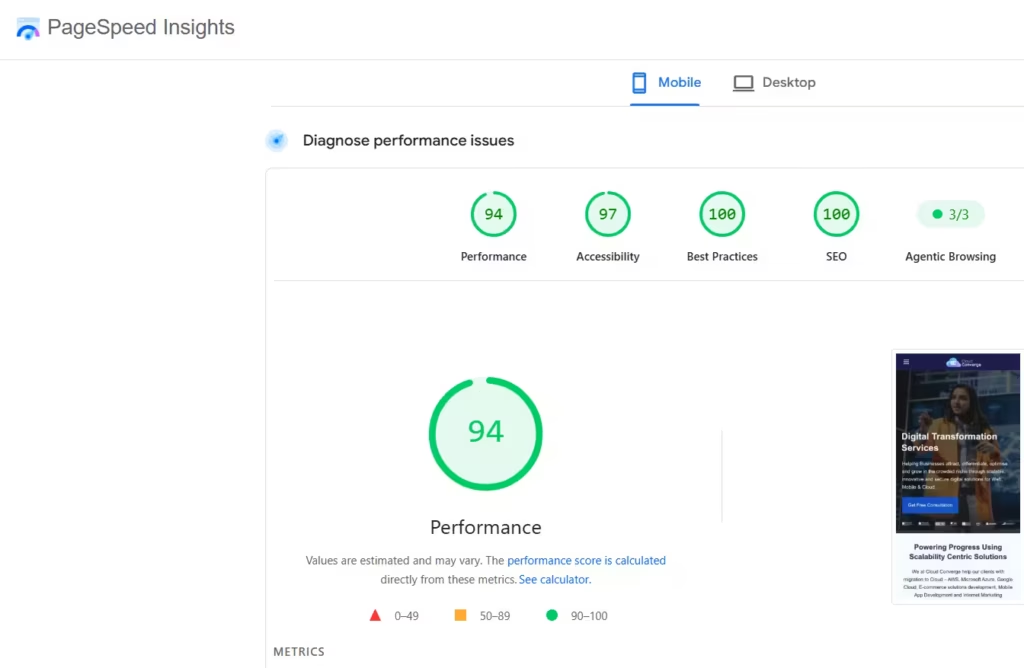
Before deciding how to improve web page performance, record where the site stands today on the three Core Web Vitals Google uses:
- Largest Contentful Paint (LCP): how long the main image or text block takes to render. Good is 2.5 seconds or less.
- Interaction to Next Paint (INP): how quickly the page responds visually to clicks, taps and key presses across the whole visit. Good is 200 milliseconds or less. INP replaced First Input Delay as a Core Web Vital on 12 March 2024.
- Cumulative Layout Shift (CLS): how much content moves while the page loads. Good is 0.1 or less.
Free tools cover most needs. Google Search Console groups URLs by status for mobile and desktop. Page Speed Insights tests one URL at a time. Chrome DevTools, GTmetrix and WebPageTest help trace which file or script causes a delay.
Time to First Byte (TTFB) is worth tracking as a diagnostic, because a slow server response pushes LCP up before the browser has drawn anything.
Lab Scores Versus Real-Visitor Data

Any plan for how to improve website performance starts with knowing which numbers Google reads. Page Speed Insights shows two different things on one screen, and mixing them up sends teams after the wrong problem.
The top panel holds field data from the Chrome UX Report: real Chrome visits over the previous 28 days. The lower panel is a Lighthouse lab run, a single simulated load on a throttled phone. Search uses the field figures, and a URL passes only when at least 75% of visits sit in the good range for LCP, INP and CLS (web.dev). A lab score of 95 means little if field INP sits at 350 ms on mid-range Android handsets.
Three working rules follow from this:
- Judge success on the field panel; use the lab run to diagnose causes.
- Check mobile and desktop separately. Search Console reports them apart, and phones usually fail first.
- Expect a delay. A fix shipped today blends into that rolling window gradually, so the report moves over weeks rather than hours.
Low-traffic pages often show “No data available” because CrUX needs a minimum number of visits. For those URLs, rely on lab runs plus a real-user monitoring script such as Google’s open-source web-vitals library.
Why Good Website Performance Matters
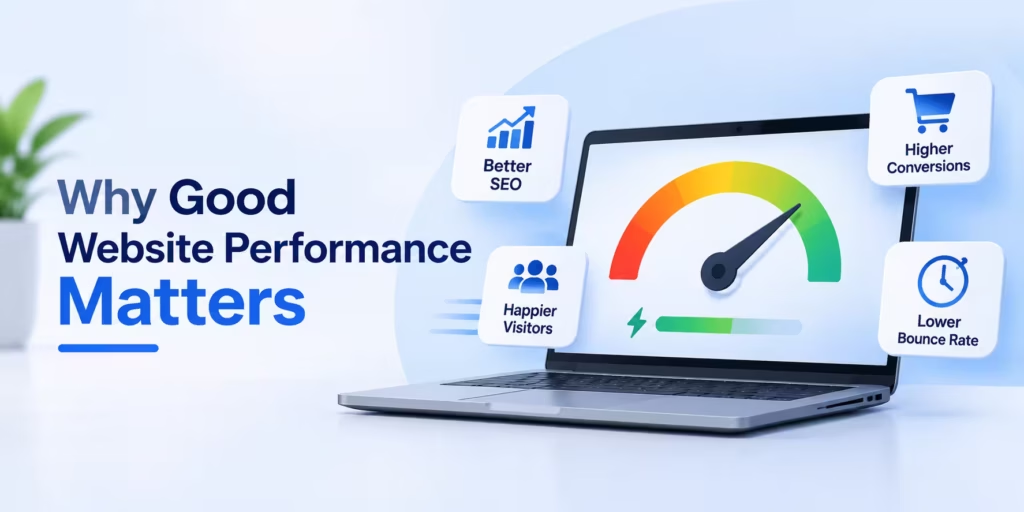
A fast website keeps users interested. If a site is slow, users are likely to leave. Faster sites also have lower bounce rates and rank higher in search engines. This leads to better user experiences and higher conversion rates. Slow sites can hurt a brand’s reputation and cost money in the long run.
Common Issues That Affect Performance
There are several reasons why a website might be slow:
- Browser Compatibility
- Large Images
- High Web Traffic
- Slow Network Speeds
- Too Many Plugins
- Poor Server Performance
- Excessive CSS/JavaScript
While it can be challenging to pinpoint the exact issue, using the tests mentioned earlier can help identify problems.
Where Content Quality Fits into Site Performance

Owners use “performance” for two things: how fast pages run, and how well they attract and convert visitors. Professional content creation shapes both.
On the speed side, editors make choices that decide page weight. A 4 MB photo uploaded straight from a camera, an autoplaying video or five embedded social posts can undo an engineer’s work in one publish. Writers and designers who know the agreed image sizes, formats and embed rules can improve web page performance before a developer touches anything.
On the search side, Google says its ranking systems aim to surface content made primarily to help people rather than to manipulate rankings (Google Search Central). Clear answers, accurate facts and visible expertise keep visitors reading, which turns a fast page into a useful one.
For an SME, the practical step is a one-page publishing guide: maximum image width and file size, approved formats (WebP or AVIF where the CMS supports them), and a rule that any new embed or script needs sign-off.
Improving the speed and reliability of your website is crucial for providing a better user experience.

Here are nine strategies you can use to enhance your website’s performance:
- Remove Unnecessary JavaScript: JavaScript plays a significant role in website interactivity, but excessive use can slow down your site. Review your JavaScript code and remove any unnecessary or unused scripts to streamline your site’s performance.
- Limit External Scripts: External scripts, such as those for chat boxes or plugins, can add functionality to your site but also increase its loading time. Evaluate the necessity of each external script and consider limiting them to essential elements only.
- Manage Image Sizes: Large images can significantly impact your site’s loading speed. Resize and compress images appropriately to reduce their file size without compromising quality. This can help improve your site’s performance, especially on devices with slower internet connections.
- Use a Content Delivery Network (CDN): A CDN can help distribute your website’s static content, such as images, CSS, and JavaScript files, across multiple servers worldwide. This can reduce the distance between your website’s server and users, resulting in faster loading times.
- Lower Time to First Byte: Time to First Byte (TTFB) is the time it takes for a user’s browser to receive the first byte of data from your server. Optimize your server configuration and reduce server response times to improve TTFB and overall site performance.
- Opt for the Right Hosting: The type of hosting you choose significantly affects your site’s performance. Shared hosting, though economical, can lead to slower loading times due to shared resources. Consider upgrading to a Virtual Private Server (VPS) or dedicated hosting for better performance.
- Reduce HTTP Requests: Each element on your web page, such as images, scripts, and stylesheets, requires a separate HTTP request to load. Minimize the number of elements on your page and combine files where possible to reduce the number of HTTP requests.
- Turn On HTTP/2 and HTTP/3: HTTP/3, published by the IETF as RFC 9114 in June 2022, carries web traffic over the QUIC protocol instead of TCP and is the newest HTTP version. Its gains show most on mobile connections that drop packets. Major CDNs, including Cloudflare and Amazon CloudFront, offer it as a setting. Confirm which protocol your pages use in the Protocol column of the Network panel in Chrome DevTools.
- Limit Redirects: Redirects are useful for directing users to the correct page, but excessive redirects can slow down your site. Keep redirects to a minimum and ensure they are necessary for maintaining a smooth user experience.
Matching Each Slowdown to the Metric It Hurts
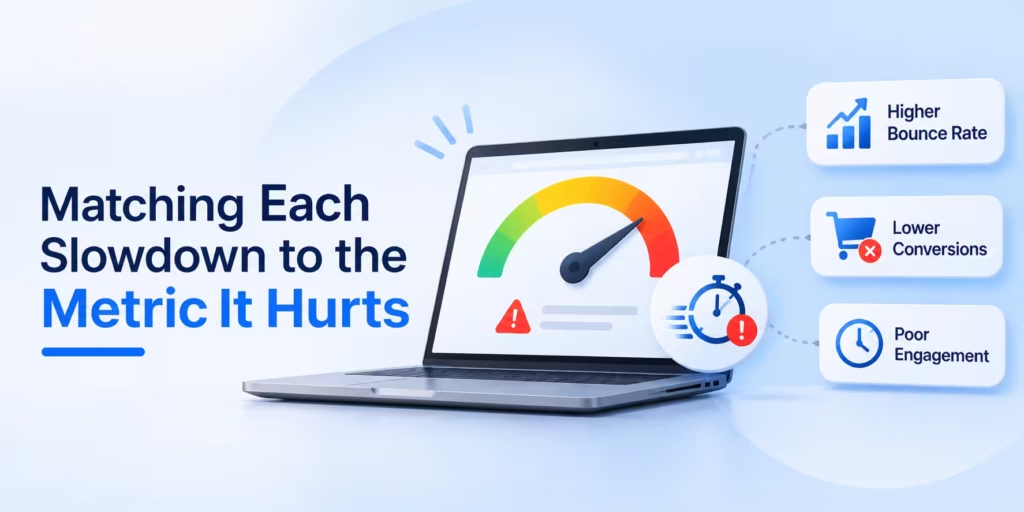
The performance of a website can be improved when the team fixes the metric that actually fails, rather than working through a generic checklist. Each cause listed above damages one metric more than the others.
- LCP above 2.5 seconds: look at server response time, an uncompressed hero image, render-blocking CSS, or web fonts that hold back text. On WordPress, a crowded shared host and a page builder loading every widget’s stylesheet are frequent culprits.
- INP above 200 ms: almost always JavaScript competing for the browser’s main thread. Chat widgets, A/B testing tools, heatmaps and several analytics tags firing on each click add up quickly, and on SME sites they usually arrive one campaign at a time.
- CLS above 0.1: images and embeds without width and height attributes, cookie banners or promo bars injected above content, and late-loading fonts that reflow text.
When the goal is to improve performance of website pages that earn money, start with the templates carrying the most leads or orders: typically the home page, a core service or product page, and the contact or checkout flow. Fix those, confirm the gain, then move outward
What Speed Work Really Costs a Small Business

The audit invoice is rarely the costly part of improving website performance. The real cost sits in decisions the business has to make once the findings arrive.
- Removing tools people use. Dropping a chat widget or a duplicate analytics tag speeds pages up but upsets whoever relied on it. Agree an owner for every third-party script before cutting anything.
- Theme and plugin debt. A theme that bundles a slider, a page builder and three icon sets can only be tuned so far. Rebuilding one heavy template sometimes costs less than patching it repeatedly.
- Hosting moves. Managed cloud hosting can cut server response time, but a move also touches backups, email routing and DNS. Plan a rollback before switching.
- CDN and bandwidth charges. Usage-based CDN pricing stays small at low traffic and climbs with video and large downloads, so check the pricing tier against monthly traffic.
- Each new campaign tag, plugin update or homepage video chips away at the gains. Without a page-weight budget and a named person checking it monthly, a fast site quietly slows down again.
Before signing with any vendor, ask four questions:
- Will you report field data from Search Console, or only lab scores?
- Which fixes will you test on staging before they reach production?
- Who owns the scripts and plugins after handover?
- What does monitoring look like in month two and month six?
Older Speed Tuning Compared with Current Practice
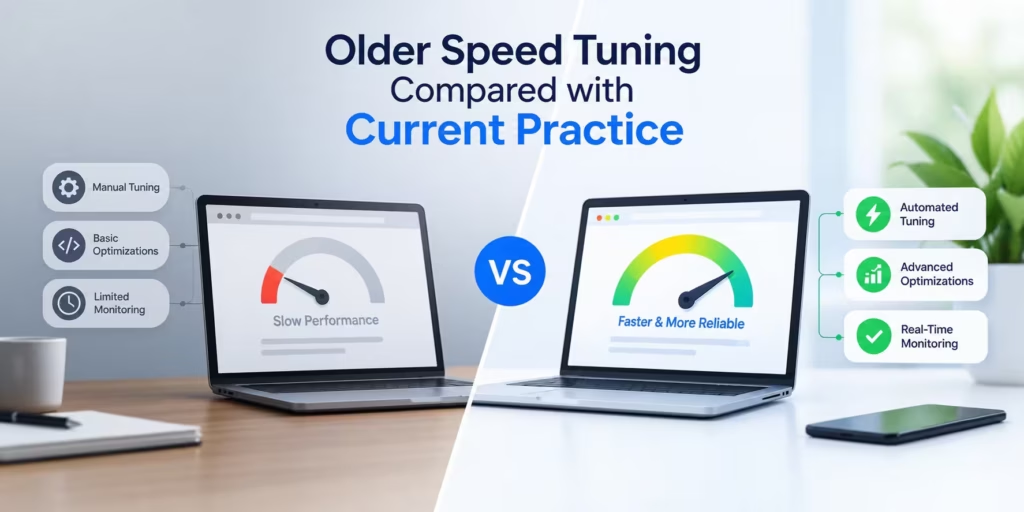
Older speed tuning still works for simple sites, but the yardstick has moved from one-off scores to real-visitor data.
| Criteria | Traditional speed tuning | Modern performance engineering |
| How success is judged | A single load time or a page-speed grade from one test | Core Web Vitals field data at the 75th percentile |
| Interactivity measure | First Input Delay (first interaction only) | Interaction to Next Paint (every interaction in the visit) |
| Request handling | Combine files and Sprite images to cut requests under HTTP/1.1 | HTTP/2 and HTTP/3 multiplexing, so priority and bytes matter more than request count |
| Images | Manually resized JPEG and PNG files | WebP or AVIF, responsive sizes, lazy loading below the fold |
| Hosting | Shared host, or a dedicated server sized for peak traffic | Managed cloud hosting with caching layers and a CDN |
| When the work happens | One-off project before launch | Budget checks after every release |
A five-page brochure site with little JavaScript can stay on the traditional checklist with a CDN added. Any site that sells online, runs marketing tags or relies on enquiry forms should adopt the modern approach, because INP failures come from scripts that older audits never measured.
Your Next Step on Site Speed
Speed work pays back when it is tied to the pages that earn enquiries or orders. If you want to improve your website performance this quarter, pull the Core Web Vitals report, pick the failing metric on your highest-value template, and fix that before anything else. Then set a page-weight budget and review it each month.
Cloud Converse’s Infrastructure Management & Monitoring and Custom Web Development teams can run the audit and carry out the fixes. Discuss your project to book a free consultation.
Questions SME Owners Ask About Site Speed
How can professional content creation enhance my website’s performance?
It helps on two fronts: pages stay light because editors follow image and embed rules, and visitors stay longer because the writing answers their questions. Google’s own guidance says its systems favour content written mainly to help people. A short publishing standard protects both benefits every time someone adds a page.
Will upgrade our hosting increase website performance?
Only if the server is the bottleneck. A slow Time to First Byte points to hosting or caching, while a failing INP score points to JavaScript, which a bigger server won’t fix. Check which metric fails in Search Console before paying for a new plan.
How long before changes appear in Search Console?
Allow roughly four weeks. The Core Web Vitals report draws on Chrome UX Report data gathered over 28 days, so old, slower visits drop out gradually. Page Speed Insights lab runs reflect a change straight away, which is handy for confirming a fix landed.
Will better Core Web Vitals push us to the top of Google?
Not on their own. Google states that good results in Search Console or third-party tools don’t guarantee top rankings, since relevance and content quality carry more weight. Faster pages still reduce abandoned visits and form drop-offs, so the work earns its keep even where positions barely move.
What does a website performance improvement project with Cloud Converge cost?
The price depends on the number of templates, the platform and how many third-party tools are involved. A common starting point is a fixed-price audit, followed by a fixed-price fix list, a dedicated team, agile sprints or hourly support. A free consultation leads to a written quote.
Which fixes can our own team handle without a developer?
Several. Compressing images before uploading, removing unused plugins, deleting old tags in Google Tag Manager and switching on a CDN through your host’s dashboard need no code. Changes to theme files, script loading order or server configuration are safer with a developer, tested on a staging copy first.