


Walk through a mid-sized distributor running a seat-licensed ERP and you will often find the same picture. Six people in finance and purchasing log in. The storekeeper keeps a paper register, the production supervisor sends stock counts over WhatsApp and someone in the office retypes it all on Friday. Nobody planned it that way. Each extra login simply cost another monthly fee, so access was rationed.
ERPNext removes that trade-off. Its licence is not tied to the number of people who sign in, so the warehouse, the shop floor, field sales and approvers can all work in the same system. Costs do not vanish; they move to hosting, implementation and support, which you can plan for. This guide explains how that works, who to bring in first and where a no-seat model still needs care.
Does ERPNext Charge per User?
No. ERPNext is open-source software released under GPLv3, and its licence carries no per-user, per-module or annual fee. You can add as many users as your server handles. Your spend goes on hosting, implementation and support instead. Cloud Converge is an ERPNext partner that helps companies roll it out across every department.
- What it is: an open-source ERP from Frappe Technologies, covering accounting, stock, buying, selling, manufacturing, projects and, through Frappe HR, payroll and attendance.
- How users are counted: they are not counted for licensing. Frappe Cloud, the official host, prices sites and servers by compute rather than by headcount.
- User types: System Users work inside the modules; Website Users, such as customers and suppliers, see only the portal; a limited Employee Self Service type covers staff who only need their own records.
- What you still pay for: hosting (Frappe Cloud, your own cloud account or your own servers), setup, training and ongoing support.
- Who it suits: manufacturers, distributors and service firms in Europe and Asia whose headcount is growing faster than their ERP budget.
How a whole-company rollout works
- List every role that touches orders, stock, money or people, not only the current ERP users.
- Group those people into role profiles with the permissions each job needs.
- Size hosting for concurrent activity and transaction volume, since that is what drives cost.
- Launch with finance, purchasing and stock, then add the shop floor, sales and approvers in waves.
- Retire the side spreadsheets and messaging groups once each team is live.
Valuable Points to Know Before Opening ERPNext to Everyone
- Size servers on concurrency, not headcount. Three hundred staff who each post a few entries a day load a server less than forty planners running heavy reports at month-end. Measure peak activity before you choose a plan.
- Pick the right user type for each group. Customers and suppliers belong on the portal as Website Users, and staff who only check payslips or apply for leave fit the Employee Self Service type. Full desk access is for people who process transactions.
- Compare like with like. Many seat-licensed ERPs sell cheaper light or approver licences, and Odoo does not charge for portal users. Price your real mix of full, light and external accounts before drawing conclusions.
- Training is the true cost of each new user. A login is free; teaching a storekeeper to receive goods correctly is not. Budget role-based training for every wave, or the extra users will add bad data instead of good.
- Close accounts the day people leave. With no licence bill pushing anyone to tidy up, dormant logins pile up. Link user deactivation to your HR exit process, which also supports data protection duties.
- Check the support tier on Frappe Cloud. Frappe’s product warranty, which covers bug fixes in ERPNext, Frappe HR and the framework, applies only from a set plan level upward. Confirm which plan you are on before relying on it.
- Own the code, choose the partner. ERPNext and its add-on apps are GPLv3, so you can move hosting or support to another provider, or bring it in-house, without anyone’s permission. Keep every custom app in a repository your company controls.
How Seat Licensing Decides Who Gets Access
Per-user pricing has a quiet side effect: it turns every login into a budget decision. Most commercial ERPs, from Microsoft Dynamics 365 Business Central to Odoo Enterprise, charge for each named user every month, with cheaper tiers for people who only view or approve. That model is reasonable. Vendors fund development and support from it, and buyers get a predictable bill while headcount stays flat.
The trouble starts when a company grows in operational roles. A manufacturer adding a second shift or a distributor opening a new depot adds people who touch stock and orders daily but rarely sit at a desk. Under seat licensing, finance asks whether each of them really needs access, and the usual answer is a shared login or a spreadsheet that someone keys in later. Both quietly undermine audit trails and stock accuracy.
Frappe, the company behind ERPNext, said plainly that it moved away from user-based pricing so businesses could control spending as they scale. Hosting on Frappe Cloud is billed by compute, and self-hosting carries no licence charge at all.
ERPNext is not alone here: Acumatica, a commercial cloud ERP, also prices by resources consumed rather than by seat.
The practical difference shows up in day-to-day operations more than in the contract.
| Criteria | Seat-licensed ERP (traditional) | ERPNext (no per-user licence) |
| What drives the bill | Number of named users and their tier | Server capacity, implementation and support |
| Adding a warehouse team | New licences approved before anyone logs in | Create accounts and assign roles |
| Typical access pattern | Office staff only; others report through them | Each person records their own work |
| Shared logins | Common, to save seats | No cost reason to share |
| Budget forecasting | Rises in step with hiring | Rises with data volume and activity |
| Where it fits best | Stable headcount, mostly desk-based users | Growing teams with many operational roles |
If your user count is small and steady, a seat-licensed system can still be the simpler buy. Once operational headcount is climbing, or several teams sit outside the ERP today, the no-licence model usually gives better data at a lower running cost.
What Changes When Every Team Works in ERPNext
The biggest gain is simple: each entry is made once, by the person who did the work, at the moment it happened. Everything else follows from that.
- Stock figures you can trust. Receipts, transfers and issues are posted at the point of movement, so the quantity on screen matches the shelf instead of last Friday’s spreadsheet.
- A shorter month-end. Accountants stop chasing paper slips and re-keying them. Their time goes on reconciling and reviewing, not data entry.
- A clean audit trail. Every document carries a named author and a timestamp. Once shared logins disappear, you can see exactly who changed what.
- Faster approvals. Managers clear purchase orders, expense claims and leave requests from a browser or phone, rather than waiting for a signed form to reach their desk.
- Better answers for customers. Sales staff check live stock and delivery status before they promise a date, which cuts the calls that start with “where is my order?”
- Growth without a licence request. A new shift, depot or branch can start recording work as soon as its accounts and roles are set up, with no wait for budget sign-off on extra seats.
- Room for seasonal staff. Temporary pickers hired for a festive-season peak or a pre-Christmas rush can get accounts for the weeks they work and lose them afterwards, with nothing to buy or cancel.
Industries Where Unlimited Users Pay Off Most

The payoff is largest where many people handle goods, jobs or billable time but few of them sit at a desk. Frappe positions ERPNext for manufacturing, distribution, retail, services and several other sectors; the table shows who typically gets left out under seat licensing in each one.
| Industry | People often left outside a seat-licensed ERP | What they record in ERPNext | Main modules |
| Manufacturing | Machine operators, shift supervisors, quality inspectors | Job cards, material consumption, inspection results | Manufacturing, Stock, Quality |
| Wholesale and distribution | Pickers, loaders, depot staff, delivery drivers | Pick lists, delivery notes, inter-warehouse transfers | Stock, Selling |
| Retail and multi-store | Cashiers, store managers | Till sales, store stock counts, returns | Point of Sale, Stock |
| Food and beverage processing | Batch handlers, cold-store staff | Batch numbers, expiry dates, production yields | Manufacturing, Stock with batch tracking |
| Professional and IT services | Consultants, engineers, project leads | Timesheets against tasks, expense claims | Projects, Frappe HR |
| Engineering and construction | Site engineers, on-site storekeepers | Material requests, site stock, cost per project | Projects, Buying, Stock |
| Field service and maintenance | Technicians, service coordinators | Maintenance visits, spare parts used, warranty claims | Support, Stock |
If your business fits two rows, such as a manufacturer that also runs its own service team, the case for a no-seat licence gets stronger, because both groups would otherwise need paid access. Education and healthcare are served by separate Frappe apps rather than ERPNext core, so check those apps’ scope before planning a rollout in either sector.
Where to Use It: Six Everyday Scenarios
These are the moments where a login for the person on the spot replaces a phone call, a paper slip or a retyped spreadsheet.
- A delivery arrives at the dock. The storekeeper checks the goods against what the buyer requested and posts a Purchase Receipt. Accounts can then match the supplier’s invoice against what was actually received, without waiting for a goods-in sheet.
- A shift ends on the production line. The operator closes the job card on a tablet, logging time and materials used. Planners see job progress and remaining components straight away.
- A field rep visits a customer. On a phone, the rep checks available stock and raises a quotation. If the discount is above their limit, a workflow routes it to the regional head for approval.
- An employee needs leave or a refund. Through self-service, they submit a leave application or an expense claim with a photo of the receipt. Their manager approves it, and payroll picks it up in the next run.
- A customer chases an order. Instead of ringing accounts, the buyer logs in to the portal and sees the sales order, delivery note and invoice for themselves.
- A new depot opens. The administrator adds the warehouse, applies existing role profiles to the new staff and restricts them to that site. The team starts recording stock on its first day.
Who to Bring Into ERPNext, and in What Order
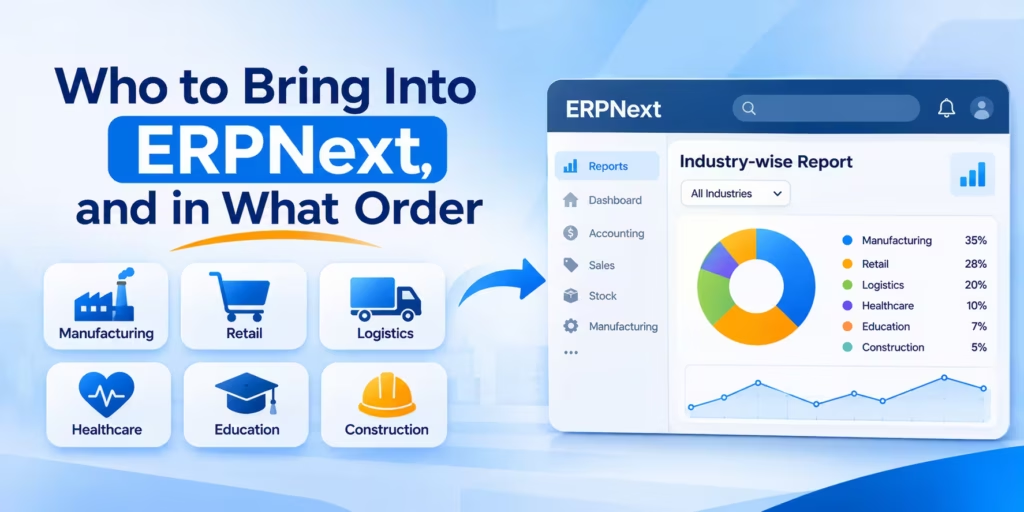
The teams that gain most from extra logins are the ones currently feeding data to others by hand. Start with the people whose entries drive the ledger, then widen the circle once balances are stable.
| Group | What they do in ERPNext | User type | Suggested wave |
| Finance and purchasing | Invoices, payments, purchase orders, bank reconciliation | System User | 1 |
| Stores and warehouse | Goods receipts, transfers, pick lists, stock counts | System User with a stock role | 1 |
| Production and shop floor | Job cards, work orders, material consumption, quality checks | System User with a manufacturing role | 2 |
| Sales and field teams | Quotations, sales orders, customer visits, delivery status | System User with a sales role | 2 |
| Managers and approvers | Approving orders, expenses and leave; reading dashboards | System User with narrow permissions | 2 |
| All employees | Leave requests, attendance, payslips, expense claims | Employee Self Service | 3 |
| Customers and suppliers | Order status, invoices, quotations through the portal | Website User | 3 |
Wave one should run through at least one full month-end before the next group joins. That gives finance a reconciled baseline, so any later errors can be traced to the team that introduced them.
A frequent stumble is giving the shop floor desktop screens designed for accountants. Supervisors on a production line need three or four actions, large buttons and a phone. Trim their workspace to those actions, or use a mobile app such as ERPNext Go, so recording work on the spot is quicker than writing it down.
Three Ways to Host ERPNext for a Growing User Base
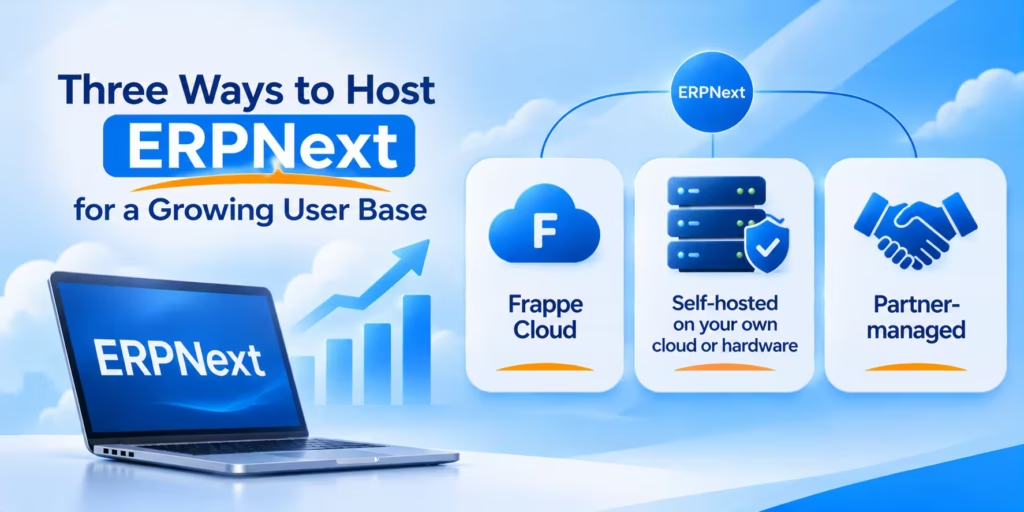
Hosting matters more as headcount climbs, because it decides who looks after speed, backups and version moves.
| Option | Who runs the servers | Best for | Watch out for |
| Frappe Cloud | Frappe, the company behind ERPNext | Teams without Linux skills that want the official platform | Custom apps and the product warranty depend on plan level; move to a Server plan as load grows |
| Self-hosted on your own cloud or hardware | Your IT team | Firms with data residency rules, existing cloud commitments and in-house Linux skills | You own the stack (Python, MariaDB, Redis, Node.js) plus offsite backups, SSL, monitoring and outgoing mail |
| Partner-managed | Your implementation partner | Companies wanting one accountable team from setup onwards | Confirm support terms, admin access and who holds the code |
A cheap server without tested backups is a false economy. Whichever route you pick, restore a backup to a test site before go-live and repeat it every quarter.
How to Tell Whether the Wider Rollout Is Working
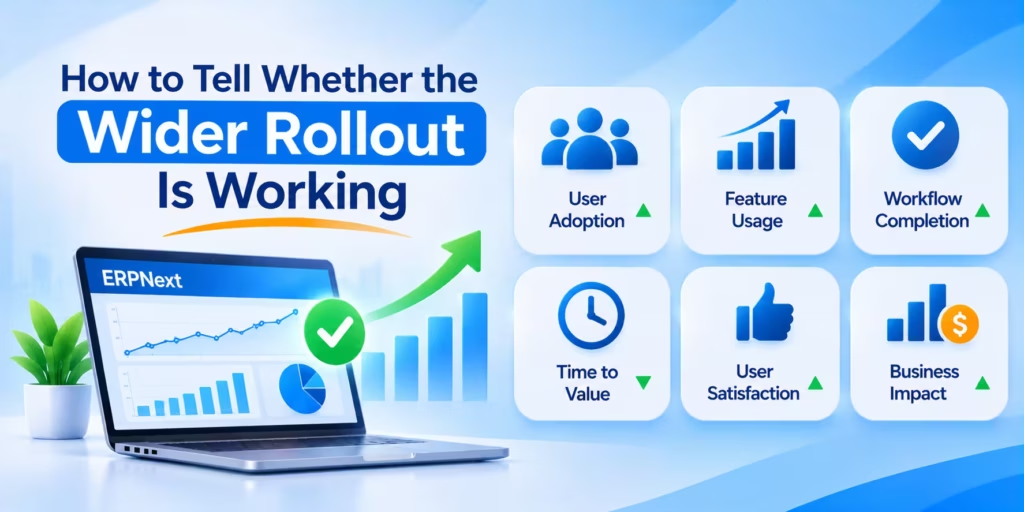
Take a baseline before each wave, then compare after one full month. These measures show whether new logins are improving the data or just adding accounts.
| Measure | Healthy direction | Where to find it |
| Entries made by the person who did the work | Rising with each wave | “Created by” on receipts, job cards and delivery notes |
| Stock variance at cycle counts | Falling | Stock Reconciliation entries |
| Working days to close the month | Fewer | Period-closing dates in Accounts |
| Approval turnaround | Hours rather than days | Workflow timestamps on orders and claims |
| Active accounts versus total accounts | Close to equal | Last-login dates in the user list |
| Side spreadsheets still in use | Down to zero | A quick survey of each department |
If a team’s numbers have not moved after a month, the cause is usually training or a cluttered workspace, not the software. Sort that out before widening access again.
How Do You Control Access When Hundreds of People Log In?
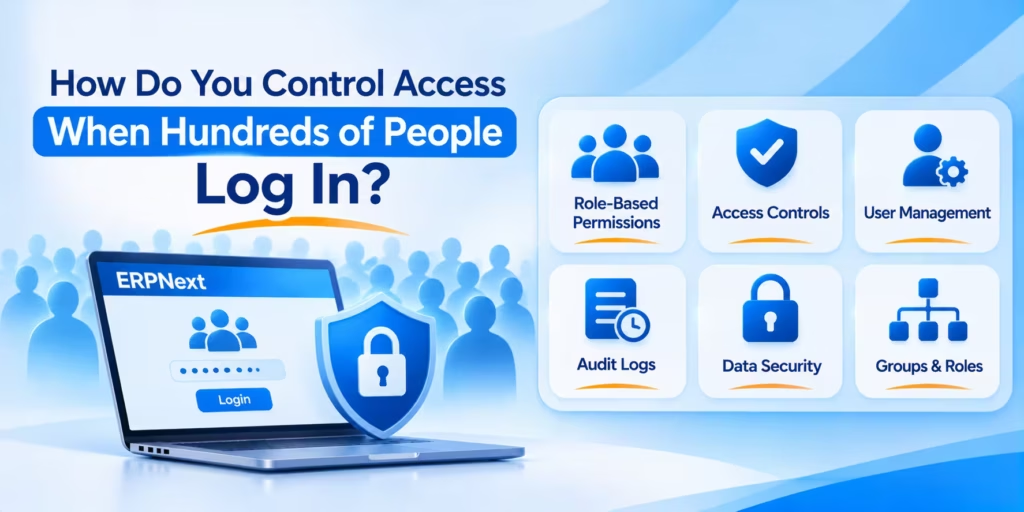
Opening an ERP to the whole company is a permissions project as much as a licensing one. ERPNext gives you the tools; the work is in designing them before go-live rather than patching access after a mistake.
- Roles and role profiles. Permissions attach to roles such as Stock User, Accounts Manager or HR User, and a role profile bundles several roles for a job. Define a profile per job title so new joiners get correct access in one step.
- Document-level actions. The Role Permissions Manager controls who can read, write, create, submit, cancel or amend each document type.
- User permissions. Restrict a person to their own company, branch, warehouse or cost centre, so a depot supervisor in Pune never sees Rotterdam stock.
- Field-level control. Permission levels hide sensitive fields, such as purchase cost or salary, from roles that can otherwise open the record.
- Limited user types. The Employee Self Service type confines staff to a short list of document types linked to their own employee record.
Two habits keep a large user base healthy. Review role assignments every quarter with each department head, and remove access the same day someone leaves. Turn on two-factor authentication for anyone who can approve payments or change master data.
Regional Notes for Europe and Asia
Europe. More users means more personal data in the system: employee records, customer contacts and, with Frappe HR, payroll. Under GDPR, decide where that data is hosted and sign a data processing agreement with whoever runs the servers. Frappe Cloud lets you choose the cloud provider and region, and running it in an EU data centre on infrastructure you control is another route. Field-level permissions help apply data minimisation, so each role sees only what its job requires.
India. Bringing every branch and warehouse into ERPNext pays off quickly where GST paperwork is involved, because e-invoices and e-way bills can be raised by the people who actually ship goods. The separate India Compliance app covers GST, e-invoicing, e-way bills, TDS and TCS. India’s Digital Personal Data Protection Act also applies to employee and customer data held in the system.
Singapore and Southeast Asia. Multi-company and multi-currency setups suit regional groups with entities in several countries. Singapore’s PDPA sets out how personal data must be handled, and local payroll rules are often the gap to check first.
Gulf states. ERPNext supports Arabic and right-to-left layouts. Data residency expectations vary by country and sector, so confirm the hosting region before go-live.
Working hours. India Standard Time (UTC+5:30) overlaps with most of the European working day and all of Asian business hours, which suits an offshore team handling configuration and user support during each rollout wave.
Switching From a Seat-Licensed ERP
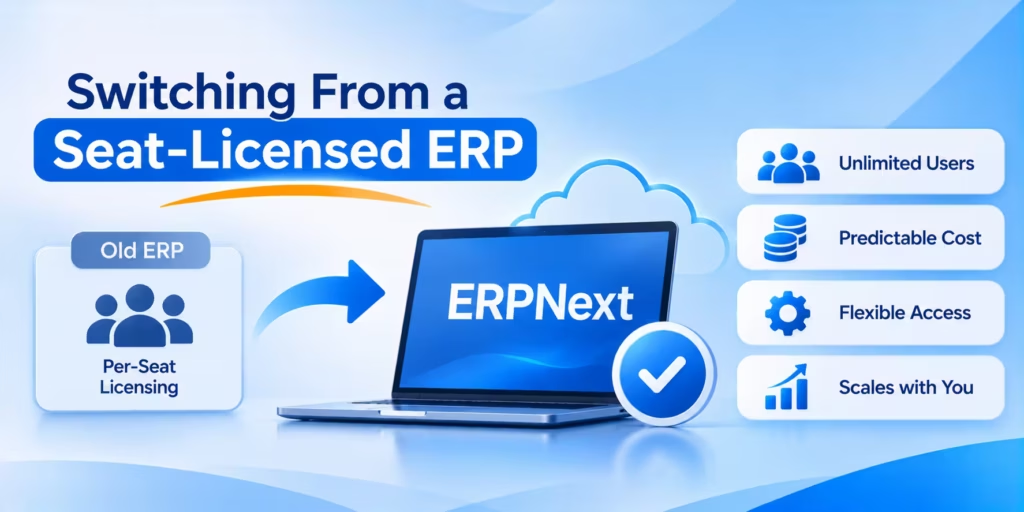
Plan the move around your current contract’s renewal date, so you are not paying for two systems longer than necessary.
- Note the renewal and cancellation-notice dates, since many subscriptions renew automatically.
- Export master data early: chart of accounts, customers, suppliers, items and open balances.
- Choose a cut-over at a period end, usually a month or quarter close.
- Run trial imports and reconcile the trial balance, receivables, payables and stock per warehouse against the old figures.
- Keep the previous system read-only for history until the subscription lapses, then archive an export.
- Bring the first wave of users live, as set out earlier in this guide.
When a No-Licence ERP Is Not the Right Call
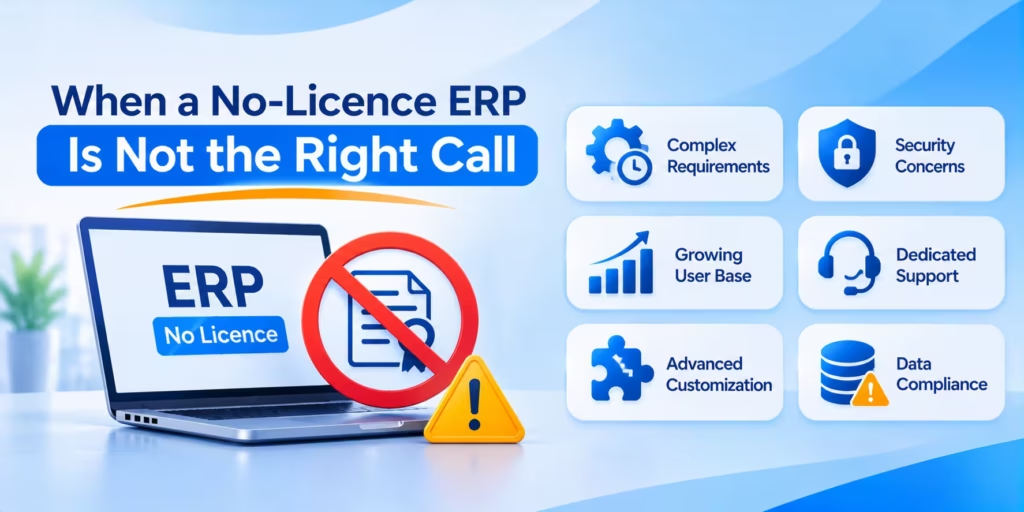
Removing seat fees solves one problem. It does not make ERPNext the answer for every company, and a good partner should say so early.
- Your team is small and will stay that way. With a handful of desk-based users, the licence saving is modest, and a vendor-hosted subscription that bundles support and upgrades may be easier to run.
- You are already deep in the Microsoft estate. Firms that rely on Microsoft 365, Power BI and Azure identity sometimes get more value from Business Central’s tight fit with those tools than from lower licence costs.
- You need a certified, vendor-backed product for auditors. Some regulated sectors and large groups consolidating dozens of entities still choose a tier-one ERP because certification and vendor accountability matter to their boards.
- Nobody will own the system after go-live. Open source means you choose who maintains it. If neither an internal administrator nor a support partner is in place, problems wait until month-end to surface.
If two or more of these apply, test the alternatives seriously before committing. Our Odoo vs ERPNext comparison covers one common shortlist in detail.
How Cloud Converge Helps
Cloud Converge is an ERPNext partner. Our consultants list each job that handles purchasing, inventory and payments, then design role profiles and permissions before a single account is created. We size hosting on Frappe Cloud, a public cloud you manage, or on-premise machines, and plan the rollout in waves so finance closes a clean month before the shop floor joins.
Delivery runs under ISO 27001 and ISO 9001:2015 certified processes, with a named Project Manager supported by our Project Management Office. You can hire ERPNext developers or consultants on a fixed price, as a dedicated team, through agile delivery or hourly for ongoing support. After go-live, a Customer Success Manager stays in touch as new teams come on board.
Find Out If ERPNext Fits Your Business
Before you approve another batch of seat licences or leave half your workforce outside the ERP, look at what a whole-company rollout would take. Book a free consultation and we will map your teams, roles and hosting needs with no obligation.
Frequently Asked Questions
Is there a user limit in ERPNext?
The licence sets no limit. In practice, the ceiling comes from your server: CPU, memory and database performance under peak load. Frappe states that ERPNext on Frappe Cloud can scale to thousands of concurrent users with the right enterprise setup.
Which industries benefit most from ERPNext’s no-licence model?
Manufacturing, wholesale distribution, multi-store retail and project-based services see the clearest gain. In each, many staff handle goods or billable time away from a desk, so paying a monthly fee for every one of them would be hard to justify.
Do Frappe Cloud plans charge per user?
No. Frappe Cloud bills sites and servers by compute, so adding staff does not change the plan price by itself. Heavier activity may eventually call for a larger plan or a dedicated server.
Can we host ERPNext on our own servers?
Yes. ERPNext installs on any Linux server, and running it yourself costs nothing in licences. Your team then handles patches, monitoring, restores and version upgrades, or a partner can take that on.
Can customers and suppliers log in too?
Yes. They join as Website Users, who reach a portal showing their own orders, invoices and quotations without seeing any internal modules. This keeps external access separate from your staff desk.
How do we stop people seeing data they should not?
Combine role profiles, user permissions by company or warehouse, and field-level permission levels. Review assignments each quarter and deactivate leavers on their last day.
Does Cloud Converge help with a phased rollout?
Yes. We plan waves by department, train each group on its own screens, and stay on hand for support once you are live. Book a free consultation to map your teams and get a no-obligation view of the effort involved.